Get a Best Nexott Test Line: 24-Hour Trial Setup Guide
Published on September 17, 2026 • 9 min read
Table of Contents
Quick Answer: Getting Your Nexott Test Line
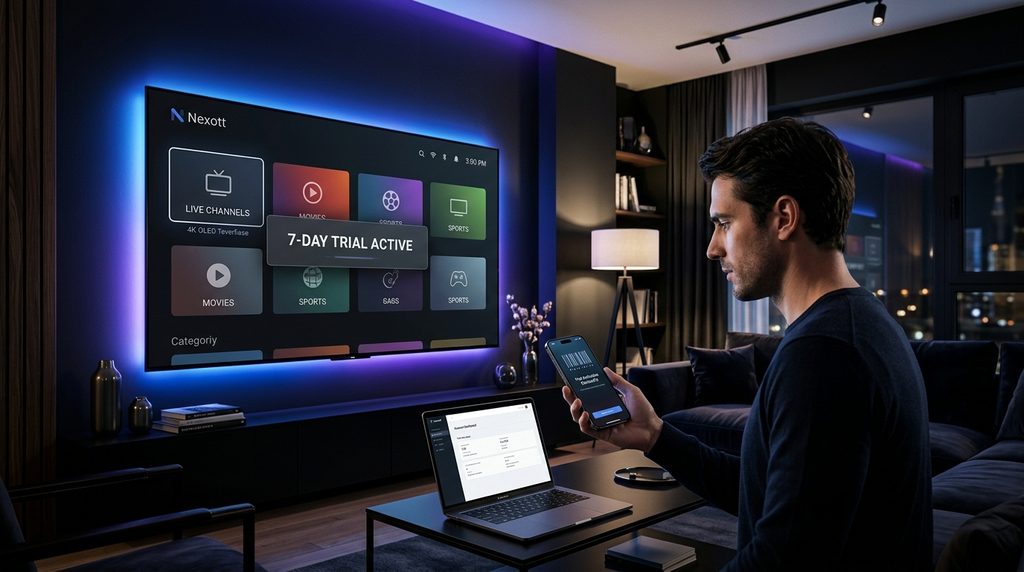
To get a Nexott test line, contact official support via their verified WhatsApp or Telegram channel and request a 24-hour trial. The support agent will generate an active Xtream Codes API login containing a username, password, and server URL to input into your streaming player.
What Is Included in the Nexott IPTV Trial?
The 24-hour Nexott IPTV test line provides full, unrestricted access to the complete server catalog so you can evaluate the actual service. You receive the exact same live channels, electronic program guide data, and on-demand movies as a paying subscriber.
The only limitation applied to the trial is the duration and connection count. A test line is locked to a single connection, meaning you cannot run it simultaneously on your living room television and your smartphone. Attempting to use the trial on two devices at once will result in an immediate IP ban by the server firewall.
Many providers heavily compress their trial feeds to save bandwidth, but the Nexott test line delivers the native 4K and 1080p 60fps streams. This allows you to accurately measure if your home internet can handle the data load before you commit to a subscription.
Key Takeaway: Your test line is a 1:1 replica of the paid service, restricted only to 24 hours and one active screen.
Step-by-Step: How to Request and Activate Your Test Line
Requesting your Nexott trial requires direct messaging to ensure bots do not spam the network and degrade server performance. You will need a compatible media player installed on your device before you generate the code.
Install a player: Download a compatible media player like TiviMate, IPTV Smarters Pro, or the official Nexott app to your streaming device.
Request the format: Ask the support agent for a 24-hour trial. Specify that you need “Xtream Codes” if using an Android device, or provide your television’s “MAC Address” if using a Smart TV app.
Input credentials: Type the provided Portal URL, Username, and Password exactly as written into your media player and click connect.
Here is what actually happens when you request a trial during a major pay-per-view weekend: agents often pause test line generation entirely. Server administrators lock out free trials two hours before high-traffic sporting events to prioritize bandwidth for paying subscribers. Always request your test line on a quiet weekday evening.
Key Takeaway: Request Xtream Codes for the fastest setup, and avoid asking for trials right before major sporting events.
How to Stress-Test Your Nexott Line (Evaluation Criteria)
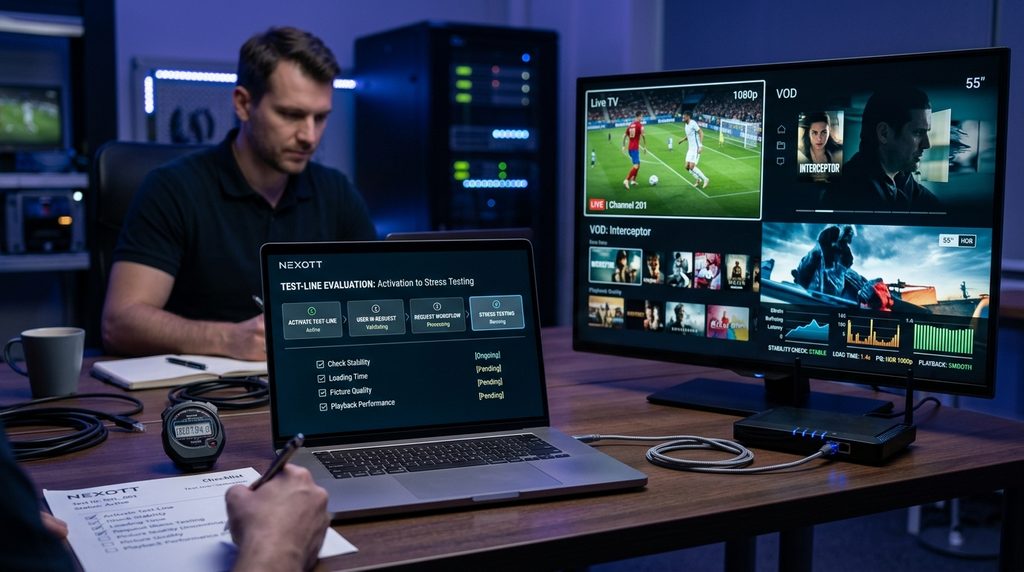
To properly evaluate your Nexott test line, you must run specific stress tests during peak network hours. Running a trial at 10 AM on a Tuesday tells you nothing about how the servers handle maximum capacity.
The industry standard for evaluating a streaming feed requires testing live latency, electronic program guide synchronization, and video-on-demand buffering. According to FCC broadband speed guidelines, a stable 4K stream requires a minimum of 25 Mbps sustained bandwidth at the device level. If your speed drops below this during peak hours, you will experience buffering regardless of the provider’s server health.
Use this proprietary 24-Hour IPTV Stress-Test Protocol to benchmark your trial objectively.
Metric to Test
Best Time to Check
What to Look For
Passing Grade
Peak-Hour Live Sports
7:00 PM – 10:00 PM
Channel load speed and frame-rate drops.
Stream loads under 3 seconds; smooth 60fps motion.
EPG Synchronization
Immediately on setup
Time it takes for the TV guide to populate.
Guide populates instantly without forcing an app restart.
VOD Library Load
Any time
Fast-forwarding a 4K movie to the halfway point.
Playback resumes within 5 seconds without audio desync.
VPN Compatibility
Peak hours
Connecting to an encrypted VPN tunnel.
Line authenticates successfully without a “Blocked IP” error.
Key Takeaway: Test your line between 7 PM and 10 PM using the protocol above to verify true server capacity.
Nexott App Setup and Configuration
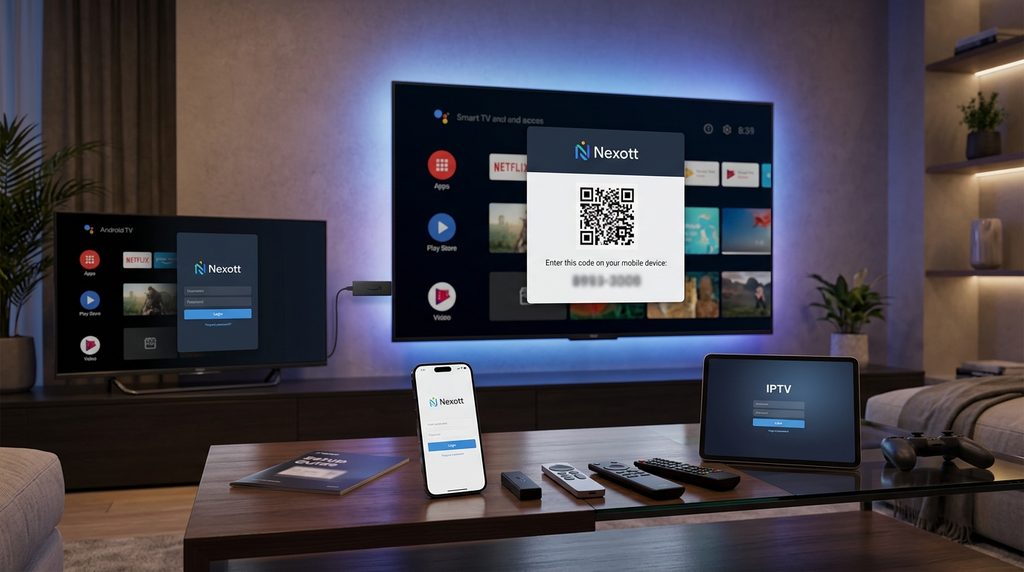
Configuration takes less than five minutes if you choose the correct application for your hardware environment. The credentials provided for your Nexott test line are universally compatible, but the input method changes based on your operating system.
Setting Up on Firestick and Android TV
Amazon and Android TV devices are the most efficient platforms for streaming because they support native Xtream Codes API integration. You will use the Downloader application to sideload your preferred player.
First, enable “Apps from Unknown Sources” in your Fire TV developer options. Open Downloader, enter the URL for your chosen player, and install it. If you need a premium player interface, setting up TiviMate is highly recommended for managing large channel lists. Once inside the player, select “Add Playlist,” choose Xtream Codes, and type in the server URL and login details provided by the agent.
Setting Up on Smart TVs (Samsung and LG)
Samsung Tizen and LG webOS do not allow sideloading, meaning you must use the MAC address pairing method.
Search your television’s native app store for a player like SetIPTV, IBO Player, or Smart IPTV and install it. Open the app to display your television’s unique MAC address on the screen. Send this specific MAC address to the Nexott support agent, and they will remotely inject the test line directly into your television.
Key Takeaway: Use Xtream Codes for Firestick and Android, and use MAC address pairing for locked Smart TVs.
How to Spot the Official Nexott Domain vs. Lookalikes
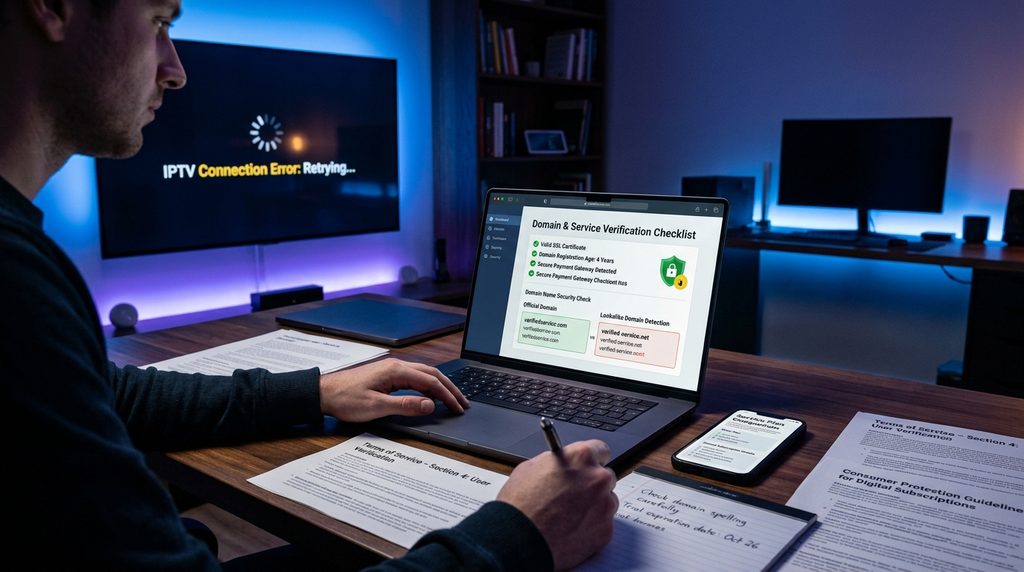
Identifying the official Nexott platform is critical because the search results are crowded with lookalike domains and unauthorized resellers. A genuine Nexott test line is only issued by the primary administration team.
Lookalike sites ending in .org, .store, or .net often obscure the free trial entirely to force you into immediate paid checkouts. Some operate as detached resellers who cannot provide direct technical support if your line goes down. The official Nexott digital home clearly lists trial access, maintains direct support lines, and never forces a blind credit card transaction without allowing you to test the infrastructure first.
Key Takeaway: Avoid domains that hide the free trial or demand immediate long-term payment upfront.
Is Nexott IPTV Legit?
Nexott IPTV is a legitimate digital media service that delivers content via internet protocol rather than traditional satellite feeds. However, evaluating its safety requires looking at how the service handles your data and network connection.
The service does not require intrusive software permissions, custom hardware, or binding legal contracts to operate. Because the Nexott test line runs entirely through third-party media players like TiviMate or Smarters, the provider never has root access to your streaming device. For added security and to prevent internet service provider throttling, routing your connection through a reputable VPN is standard practice in the streaming industry.
Key Takeaway: The service is safe to use, especially when paired with a standalone player and a VPN tunnel.
How Much Does Nexott IPTV Cost After the Trial?
Nexott IPTV costs drop significantly when you commit to longer billing cycles after your initial test phase. A standard one-month subscription begins at a baseline rate, while annual plans drastically reduce the monthly average.
You are never automatically billed when your 24-hour trial expires; the line simply deactivates. If you decide to upgrade based on your stress-test results, you return to the support agent or the official pricing and plans portal to purchase a subscription. Once paid, the agent will convert your existing test credentials into a permanent line, meaning you do not have to set up your apps a second time.
Key Takeaway: The trial does not auto-renew; you must manually purchase a plan to keep your credentials active.
Troubleshooting Common Test Line Errors
Test line errors are usually caused by minor typos or network routing issues rather than server outages. Most connectivity problems can be fixed from your remote control in seconds.
If you receive an “Authorization Failed” or “Invalid Details” error, check for typos in your password. Server URLs are case-sensitive, and a capital “I” is frequently confused with a lowercase “l”. If your remote is unresponsive during setup, refer to the Amazon Fire TV official documentation to properly re-pair your controller before re-entering your credentials.
If your screen loads the interface but fails to play video, your internet service provider is likely blocking the connection. Close the streaming app, connect to a VPN, and relaunch the player.
Key Takeaway: Double-check your URL casing and use a VPN if your internet provider blocks the video feed.
Frequently Asked Questions (FAQ)
Can I use a VPN with my Nexott test line?
Yes. The test line is fully compatible with all major VPN services. Using a VPN is highly recommended to prevent your internet service provider from throttling your connection during peak hours.
How many devices can I connect to the trial?
A trial line is strictly limited to one active connection. If you attempt to stream on a television and a mobile phone simultaneously, the server will permanently ban your IP address.
Do I need a credit card to get the test line?
No. The trial is completely free and requires no payment information upfront. The line simply expires after 24 hours without automatically charging you.
Why does my test line say invalid playlist?
This error occurs when you make a typo in the server URL, username, or password. Ensure you are entering the Xtream Codes exactly as provided, paying close attention to capital letters.
Do not pay for a long-term streaming package without verifying it against your home internet connection first. Message the official support team now to generate your 24-hour test credentials, and use the stress-test protocol above to evaluate the network tonight.