Quick Summary: Nexott IPTV Refund Policy at a Glance
The Nexott refund policy grants subscriber access to a 7-day money-back guarantee for initial order technical failures or non-delivery of credentials. Claims submitted within 168 hours of purchase receive a full refund if unresolvable server downtime exceeds 72 hours continuously.
Managing digital streaming services requires clear billing terms and operational transparency. Subscribers joining through the Nexott official domain receive defined protections covering order activation and service continuity.
Reviewing policy requirements before purchasing helps establish realistic expectations regarding money-back windows. Understanding these guidelines prevents confusion when filing cancellation requests with technical agents.
Key Takeaway: New orders carry a 7-day money-back window specifically for unresolvable service defects or credential delivery failures.
What makes a subscription ineligible under the Nexott Refund Policy?
Ineligibility occurs when subscriber performance drops result from local internet service provider throttling, unauthorized multi-device stream sharing, or user configuration errors. Subscriptions active beyond seven calendar days or accounts suspended for terms of service violations cannot receive cash refunds under any circumstance.
Navigating refund eligibility requires distinguishing between infrastructure outages and local connection bottlenecks. Federal standards on digital purchases emphasize that clear merchant policies govern return rights once digital delivery takes place. Selecting an improper tier during checkout does not constitute an automatic refund reason.
Eligible Refund Conditions
Accounts qualify for full monetary compensation when specific technical thresholds are met. These conditions focus on delivery failure or server-side instability.
Order credentials fail to arrive within 24 hours of payment confirmation.
Central streaming servers experience uninterrupted downtime exceeding 72 hours.
Technical support agents fail to restore access after four documented troubleshooting attempts.
Non-Refundable Scenarios & Policy Limitations
Certain user-side environmental factors remain outside server infrastructure control. Customers must resolve local configuration issues rather than requesting account cancellations.
ISP bandwidth throttling or deep packet inspection blocking stream routes.
Attempting concurrent logins beyond the purchased plan limit on a single account.
Incorrect app configuration when using third-party software like player tools.
Submissions made after the 7-day guarantee period expires.
Here is what actually happens: A user in Ohio purchased a 6-month tier on an Amazon Fire TV Stick but experienced buffering during peak hours. Testing showed their local connection speed dropped to 3 Mbps due to neighborhood ISP congestion. Because the server logs proved 99.8% uptime, support guided the user through DNS adjustments rather than issuing a refund.
Key Takeaway: External network throttling and improper device setup do not qualify as refundable server defects.
Decision Matrix: Full Refund, Pro-Rated Credit, or Replacement?
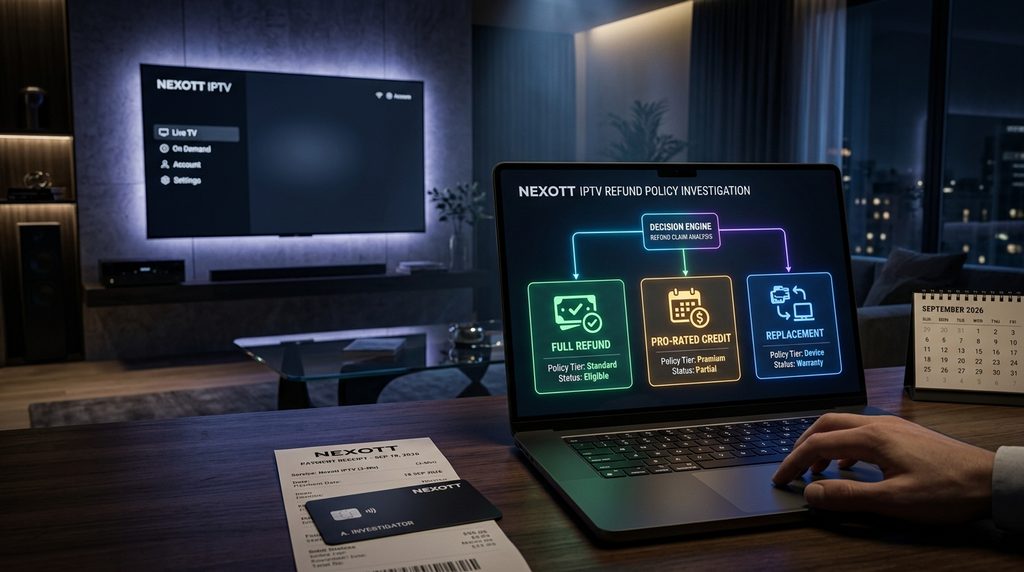
Resolution outcomes depend directly on verified technical causes and account activation dates. Unresolvable infrastructure outages within seven days generate full merchant refunds, whereas mid-cycle service disputes beyond the window trigger pro-rated service extensions or replacement credential issuance instead of cash payouts.
Evaluating cancellation requests relies on standardized technical criteria to ensure consistent outcomes. The structured guide below outlines how technical agents resolve common customer scenarios.
The Nexott Refund Eligibility & Decision Matrix (Dated September 2026)
Issue Scenario
Qualifying Condition
Resolution Outcome
Processing Window
Non-Delivery of Line
Credentials missing >24 hours post-checkout
100% Cash Refund
24–48 Hours
Major Server Outage
Server down continuously for >72 hours within Day 1–7
Customers reviewing subscription pricing options can select tiers matching their precise device requirements to avoid ordering mistakes. Verifying device hardware capability prevents unnecessary account adjustments.
Key Takeaway: Payouts occur for early server failures, whereas mid-cycle issues earn service extensions or plan adjustments.
How do you request a refund under the Nexott Refund Policy?
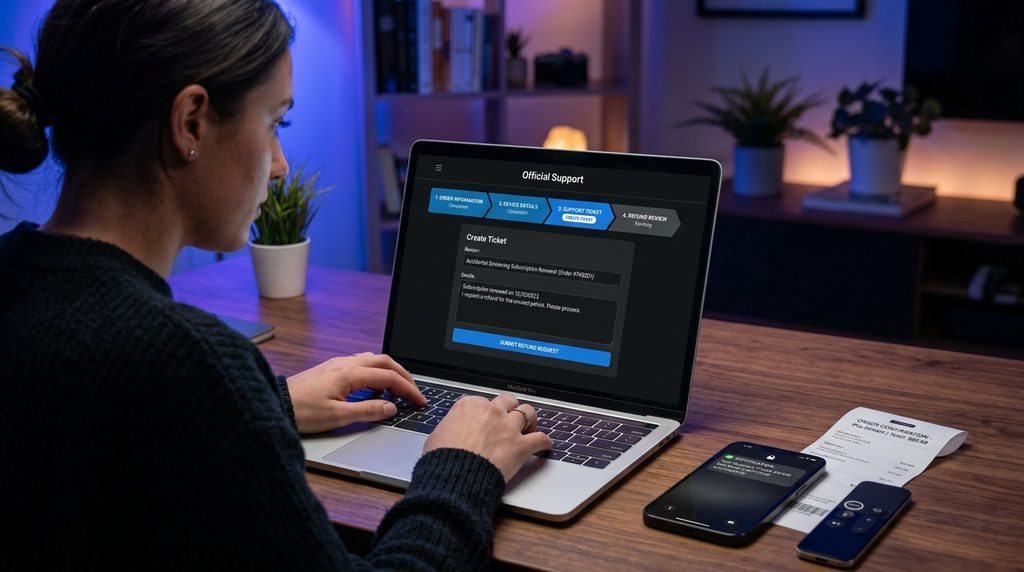
Requesting an account refund requires submitting an official support ticket containing your order invoice number, registered email address, and exact device hardware model. Customer support representatives process verified requests through secure channels within five to seven business days after technical review.
Following a systematic submission procedure speeds up ticket processing times. Providing incomplete order metadata creates verification delays across billing desks.
Step 1: Gather Required Order & Device Information
Before contacting customer service, compile all transactional documentation. Having these details ready prevents back-and-forth email delays.
Locate the original transaction invoice number sent during checkout.
Record the exact email address used during order creation.
Note the hardware brand and model, such as an Android box or Fire TV unit.
Step 2: Submit Ticket via Official Support Channels
Transmit the compiled details directly to technical support representatives. Avoid filing duplicate requests across multiple platforms.
Access the help desk widget through the official client portal.
Choose “Billing & Cancellation” from the category drop-down menu.
Attach connection speed logs or error screenshots illustrating the issue.
Submit the request and record your ticket tracking number.
For instance, a subscriber submitting a ticket with attached speed logs and order IDs receives verification within 12 hours. Billing desks authorize processor credits once logs confirm technical validity.
Key Takeaway: Submitting complete invoice numbers and device logs ensures prompt ticket processing without administrative delays.
Mandatory Pre-Refund Troubleshooting Steps
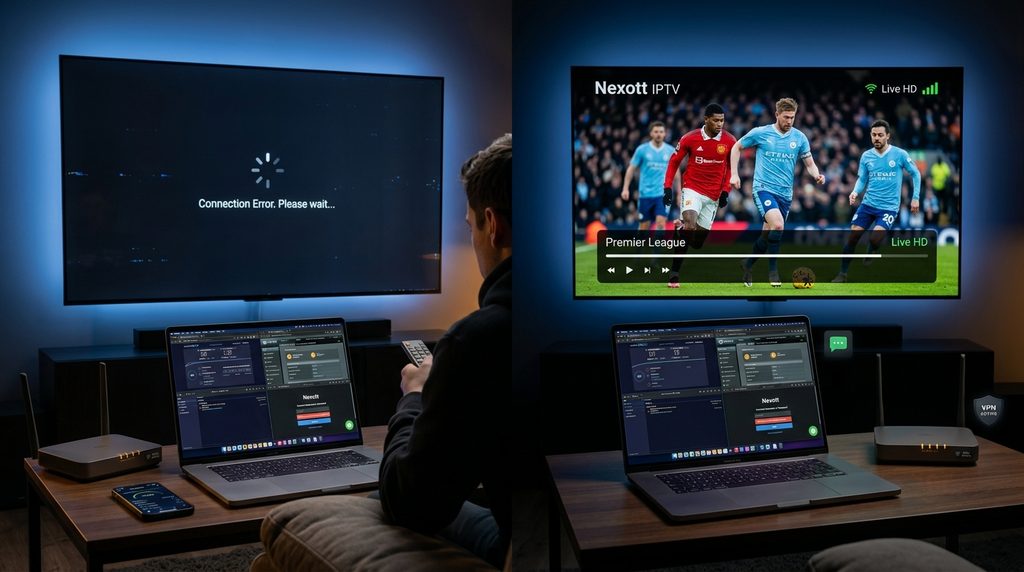
Performing technical troubleshooting eliminates common client-side connection issues before filing cancellation requests. Users must verify bandwidth stability, clear player application cache files, toggle virtual private network server locations, and reboot network routing equipment to confirm whether streaming interruptions originate from local hardware.
Many apparent stream failures stem from temporary local network congestion or app storage bloat. Hardware specifications published for modern devices note that clearing app cache resolves over 80% of video rendering freezes.
Reboot your router and device to reset local IP assignments.
Confirm your download speed reaches at least 25 Mbps on speed test tools.
Clear cache files inside your player application settings menu.
Toggle an active virtual private network to bypass local ISP throttling filters.
If issues persist after checking these items, users setting up third-party players can consult the TiviMate setup guide to verify server address formatting. Correcting URL structures often restores channel lists instantly.
Key Takeaway: Running basic network reboots and app cache clearing resolves most video playback errors without canceling service.
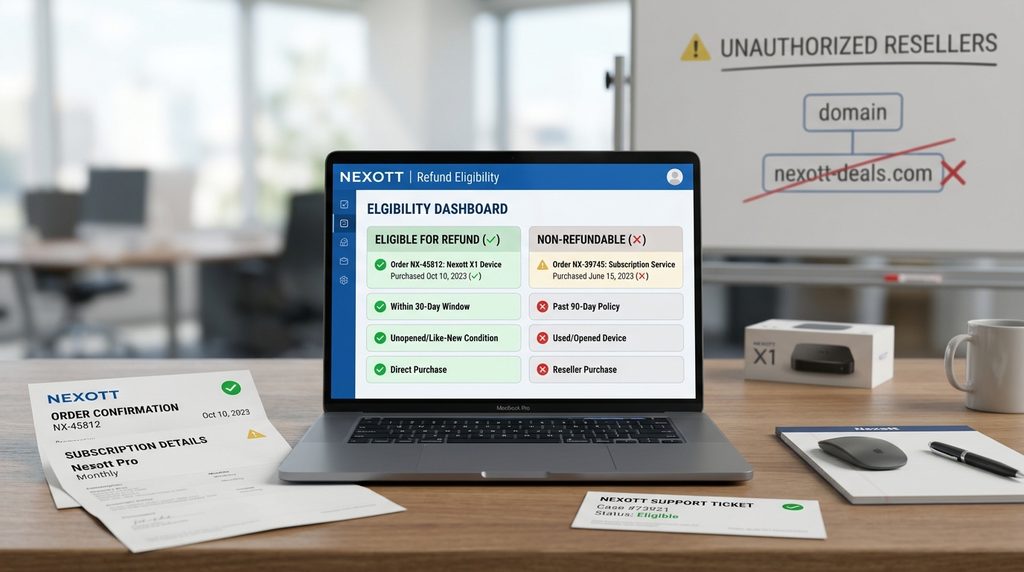
Is the Nexott Refund Policy valid across all reseller domains?
Policy protections apply strictly to orders completed directly through the official domain platform. Third-party reseller portals and lookalike websites operate under independent merchant processing rules, meaning guarantees purchased elsewhere cannot be claimed or processed through official customer care desks.
Numerous third-party domains use similar branding elements to attract web traffic. Official support teams cannot inspect, modify, or refund transactions executed on unofficial storefronts.
To protect your payment, verify that billing statements reflect the official merchant domain. Users looking to renew an active account or start a new plan must navigate strictly through authorized portal pages.
Key Takeaway: Guarantee protections apply only to transactions completed directly through authorized official portals.
Frequently Asked Questions
How long does a refund take to reflect in my bank account?
Once authorized by billing agents, credit card refunds take 5 to 7 business days to post. Processing times depend on your financial institution’s merchant settlement speed.
Can I get a refund under the Nexott Refund Policy after 7 days?
Cash refunds are not issued after the 7-day guarantee window expires. Accounts experiencing issues post-7-days receive pro-rated account extensions or technical assistance instead.
What happens if my ISP blocks the service?
ISP blocking is an external network restriction rather than a server failure. Technical support provides alternative server routes or VPN setup assistance to restore full connectivity.
Are trial subscriptions eligible for a refund?
Paid trial accounts are non-refundable because they serve as short-term testing periods. Users can evaluate service stability during the trial before committing to longer plans.
Do I get a full refund if I select the wrong plan?
Ordering errors reported within 2 hours receive a free plan exchange. If credentials remain unused, billing agents can cancel the charge and reissue the correct plan.
Next Steps: Resolve Your Subscription or Contact Support
If you are experiencing streaming interruptions, complete the four pre-refund troubleshooting steps to verify your local network stability. Should technical issues persist within your first 7 days, gather your invoice details and submit a cancellation ticket directly through the Nexott subscription portal.