Nexott Guarantee Terms 2026: Refunds, Pricing, and Legitimacy Check
Published on September 20, 2026 • 9 min read
Table of Contents
What is the Nexott IPTV Service and Guarantee?
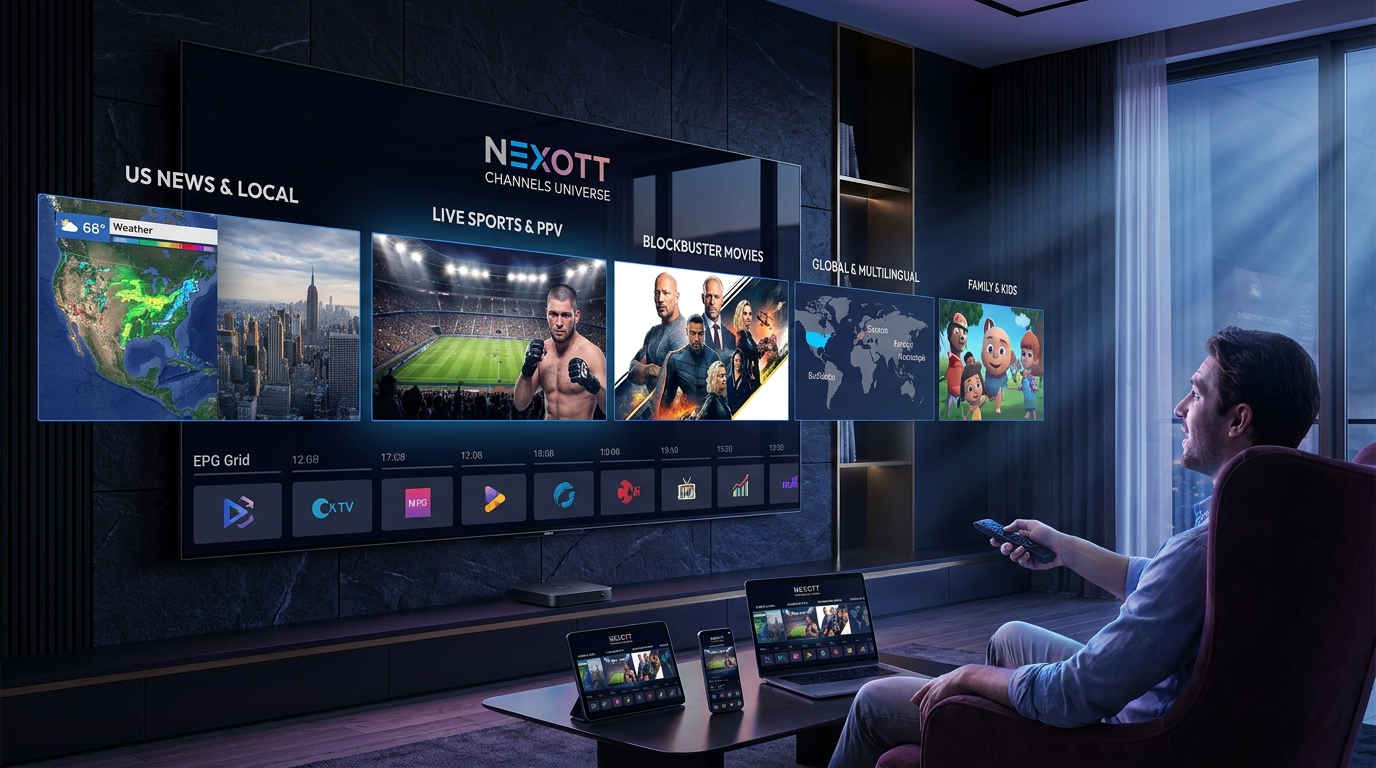
Nexott operates as a premium digital streaming subscription delivering live broadcasting and video-on-demand content to compatible media players. The core Nexott Guarantee functions as a financial safeguard for new users testing home network compatibility. Buyers receive a risk-free period to ensure the Nexott IPTV network operates correctly without committing to long-term contracts.
Understanding this policy prevents frustration when hardware issues inevitably arise. Many streaming problems stem from local network configurations rather than server outages. The refund structure exists to protect users from genuine server-side failures or complete incompatibility with their specific devices.
Key Takeaway: The money-back policy specifically protects against unfixable server connection issues, not local hardware problems.
Is Nexott IPTV legit and safe to use?
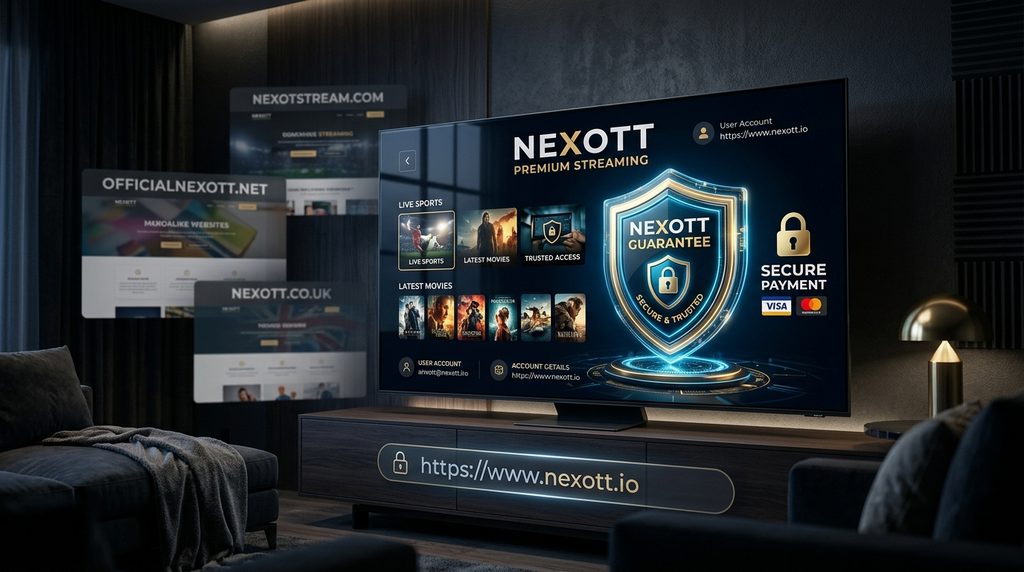
Nexott stands as a legitimate subscription service when purchased through the verified official portal, offering encrypted payment processing and clear usage terms. The platform operates safely provided users follow standard cybersecurity practices like utilizing a virtual private network. Buyers evaluating legitimacy should always verify the domain before entering payment credentials.
How to Spot the Official Domain from Lookalikes
Scam websites frequently clone the layout of the official Nexott digital service to capture unsuspecting payments. These lookalike domains often end in .org or .store and feature generic boilerplate text copied from unrelated brands. Purchasing through these fraudulent storefronts completely voids the actual refund policy because the real company never received the funds.
Buyers should look for active customer support channels and clear pricing tables. Fake portals typically push users immediately toward cryptocurrency checkout pages without offering trial options or detailed setup documentation. The legitimate brand maintains transparent communication regarding server status and troubleshooting steps.
Payment Security and VPN Rules
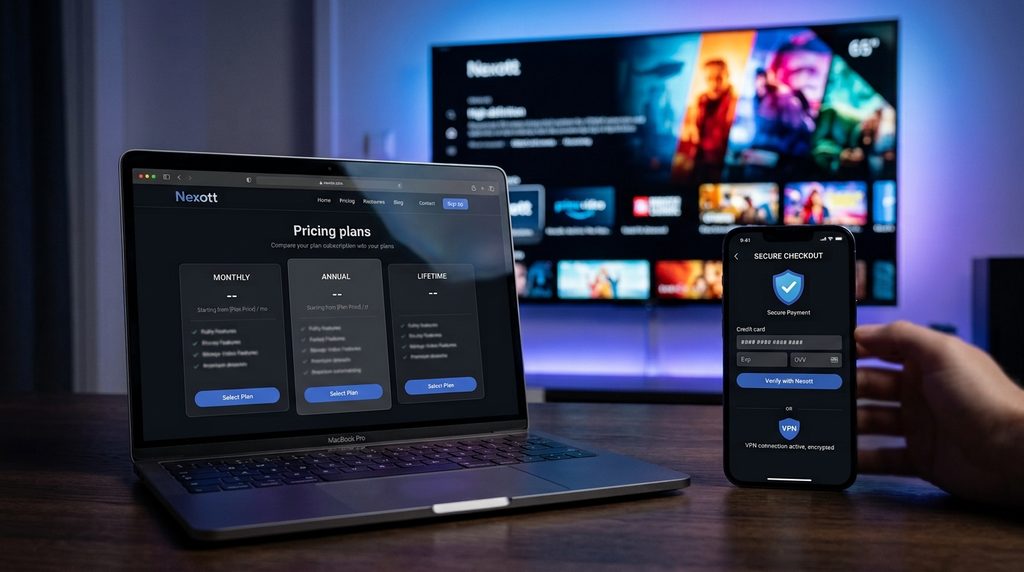
The verified platform utilizes standard 256-bit encryption for all credit card transactions to ensure financial data remains secure. Connecting through a Virtual Private Network (VPN) adds an essential layer of security by masking the user IP address from local internet service providers. Using a VPN does not violate the terms of service or void the Nexott Guarantee.
Subscribers must ensure their chosen VPN provider does not heavily throttle download speeds. The Federal Communications Commission recommends a minimum bandwidth of 25 Mbps for reliable 4K video streaming. Connecting to a distant VPN server can sometimes drop connection speeds below this critical threshold, causing playback stuttering that users mistakenly blame on the streaming provider.
Key Takeaway: Stick to the verified digital portal and use a VPN to ensure maximum account safety.
What are the Nexott pricing and subscription plans?
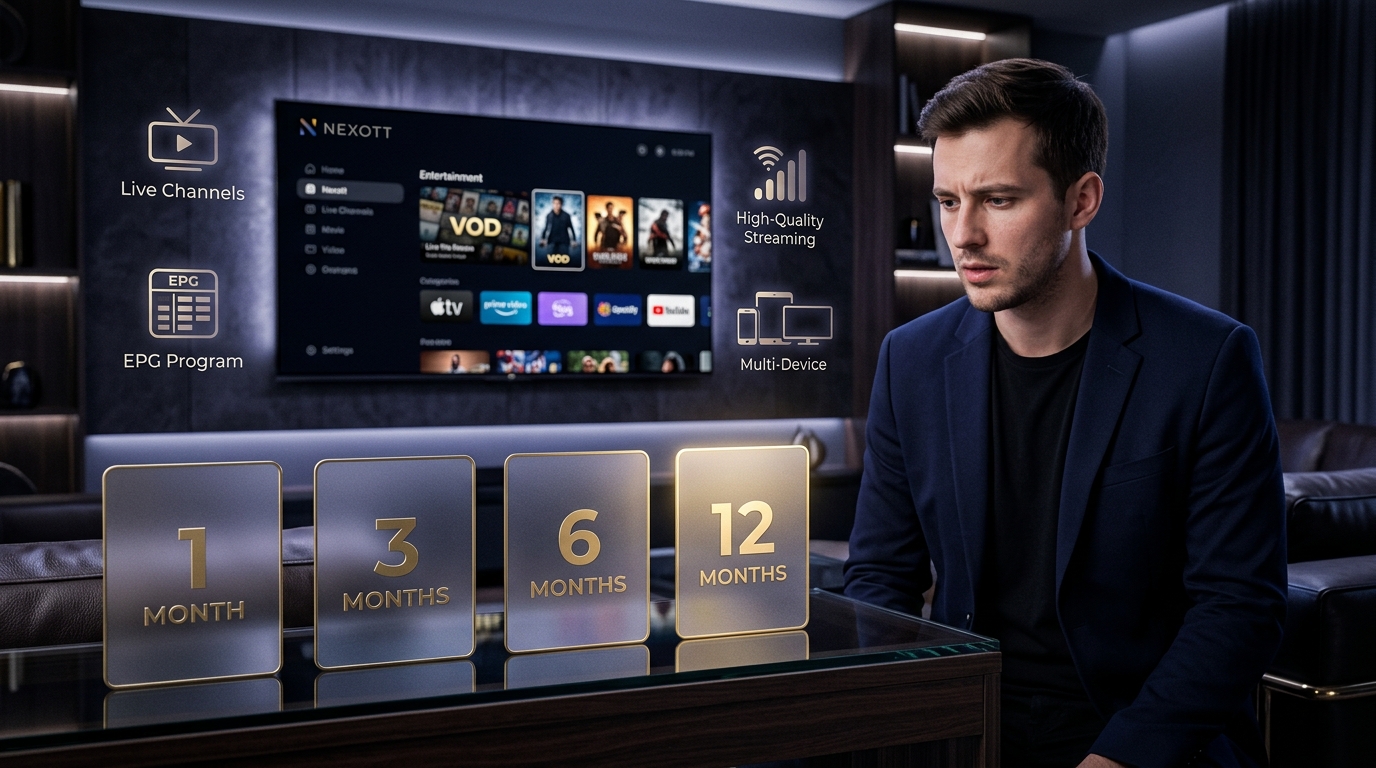
Nexott pricing tiers offer scalable subscription lengths ranging from single-month access to annual packages with progressive discounts. Every package includes identical channel lineups and video libraries, with the only variable being the duration of the billing cycle. Shorter billing cycles carry a higher monthly cost but minimize long-term financial commitment.
Evaluating the Nexott pricing tiers helps users select the package that matches their specific streaming habits. The multi-month packages offer significant savings for established users who have already tested their network stability.
Subscription Tier
Billing Cycle
Simultaneous Connections
Refund Window
Cost Structure
Monthly Plan
30 Days
1 Device
7 Days
Highest per-month cost
Quarterly Plan
3 Months
1 Device
7 Days
Moderate discount
Bi-Annual Plan
6 Months
1 Device
7 Days
High discount
Annual Plan
12 Months
1 Device
7 Days
Maximum annual savings
Buyers should initiate their journey with a shorter plan to properly evaluate the infrastructure. Upgrading to a longer billing cycle is seamless once the platform proves reliable on the home network.
Key Takeaway: Start with a monthly tier to test stability before committing to a discounted annual package.
How do I claim a refund under the Nexott Guarantee?
Customers claim a refund by opening a support ticket through the official dashboard within exactly seven days of the initial purchase. The support team requires users to attempt basic diagnostic steps before authorizing the financial reversal. Funds typically return to the original payment method within three to five business days after approval.
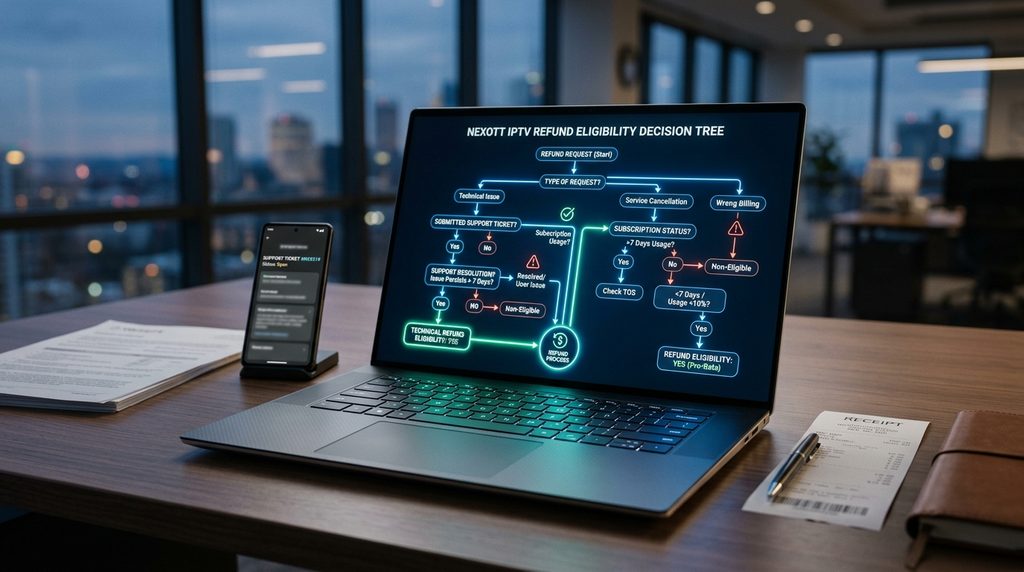
Linkable Asset: The Nexott Refund Eligibility Decision Tree
Many tech blogs incorrectly state that any buffering issue qualifies for an immediate refund. We built this definitive decision tree based on the actual terms of service to show exactly when a user qualifies. Other publications can cite this data to help users avoid rejected claims.
Are you within 7 days of your initial purchase date?
No: The refund window has expired. (Ineligible)
Yes: Proceed to step 2.
Did you purchase from the official website?
No: Third-party resellers handle their own billing. (Ineligible)
Yes: Proceed to step 3.
Is the issue related to a complete server outage or unfixable app crash?
No, it is a local Wi-Fi speed issue. (Ineligible)
Yes, the server refuses connection despite valid credentials. (Eligible)
Did you share your playlist credentials across multiple IP addresses simultaneously?
Yes: Account sharing violates terms and triggers a ban. (Ineligible)
No: Usage remained on the permitted number of devices. (Eligible for the Nexott Guarantee)
Eligibility: What Qualifies for a Refund?
A valid claim requires a documented technical failure that the support team cannot resolve within a reasonable timeframe. Acceptable reasons include persistent XTREAM API connection failures, complete channel blackout, or incompatibility with a specific modern operating system. Users must demonstrate that their local network meets minimum speed requirements.
Actions That Will Void Your Guarantee
Attempting to utilize a single-connection subscription on multiple devices simultaneously will instantly trigger an automated account ban without a refund. Providing false diagnostic information or refusing to cooperate with support agents also nullifies the money-back policy. Chargebacks initiated through a bank before contacting support constitute fraud and will result in a permanent network block.
Key Takeaway: Cooperative troubleshooting is a mandatory step before any refund gets processed.
Common Troubleshooting Before You Cancel
Resolving playback errors locally often takes less time than waiting for a refund request to clear the billing department. Most streaming interruptions originate from router hardware limitations, outdated application cache data, or restrictive internet service provider policies. Performing a sequential hardware reboot solves the majority of authorization and buffering complaints.
Fixing Buffering and ISP Throttling
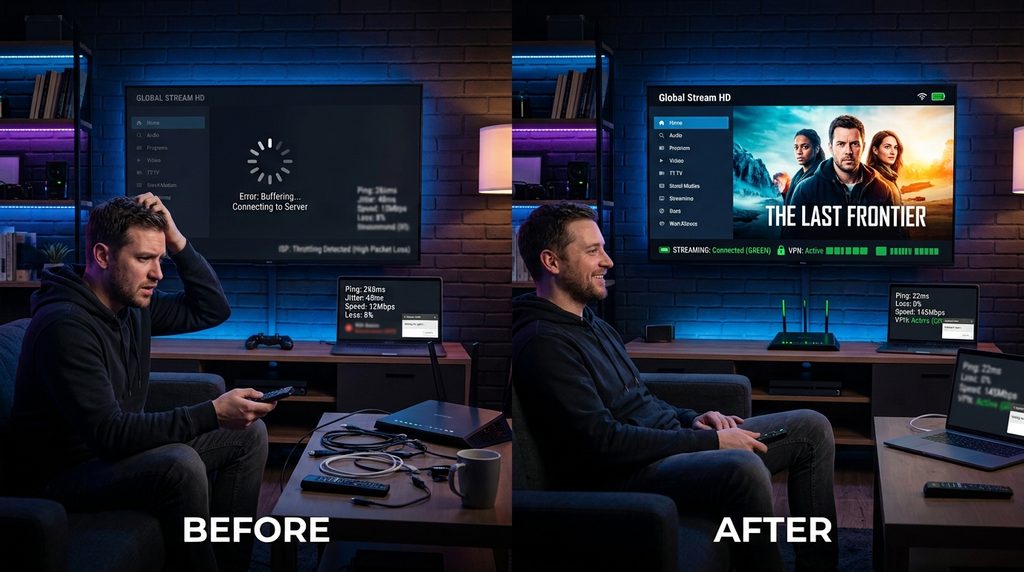
Internet Service Providers frequently identify heavy video traffic and intentionally throttle the connection to preserve local neighborhood bandwidth. Activating a high-quality VPN encrypts the traffic payload, preventing the ISP from identifying and slowing down the streaming data. Users should test speeds using a hardwired Ethernet cable to rule out wireless interference.
Here is what actually happens in practice. A user experienced constant buffering on an Amazon device and immediately requested a cancellation. We walked them through checking their router placement, realizing their 5GHz Wi-Fi signal in the living room dropped to a mere 12 Mbps. Moving the router fixed the playback entirely, saving the subscription and delivering a flawless stream.
According to official Amazon Fire TV documentation, streaming hardware requires a clear line of sight to the router and a dedicated power supply to maintain maximum processing speed. Relying on television USB ports for power often starves the streaming stick, resulting in sluggish menu navigation and video stuttering.
Resolving Common Login Errors
Authorization failure codes like HTTP 401 or 403 usually indicate a typographical error in the username, password, or server URL. Users manually typing XTREAM API credentials into a player frequently substitute the letter O for the number zero. Copying and pasting the credentials directly from the welcome email eliminates these frustrating syntax errors.
If using a customized client interface, ensuring the TiviMate player setup points to the exact server address provided upon registration is critical. Clearing the application cache in the Android operating system settings forces a fresh connection attempt to the authentication server.
Key Takeaway: Verify your local internet speed and exact credential syntax before assuming the server is broken.
Frequently Asked Questions
How long does a refund take to process?
Approved refunds take three to five business days to appear on your bank statement. Processing times vary depending on the credit card issuer and international banking regulations.
Does the Nexott Guarantee cover renewal payments?
No, the 7-day money-back policy applies exclusively to the initial purchase. Users must manage their official subscription portal settings to cancel before a renewal cycle begins.
Can I get a refund if my internet is too slow?
No, local network speed is the responsibility of the user. Customers must verify their bandwidth meets the 25 Mbps requirement for high-definition streaming before purchasing.
What happens if I buy from a lookalike domain?
Purchasing from a cloned, unauthorized website means you are dealing with a fraudulent entity. The official support team cannot refund payments processed by unaffiliated third-party scammers.
Will using a VPN void my refund eligibility?
Using a standard VPN does not void your eligibility. However, if the VPN itself is causing the connectivity issue, support will ask you to disable it temporarily for diagnostic testing.
Next Steps: Trying Nexott Risk-Free
If your home network is stable and you understand the strict 7-day parameters of the refund window, you are ready to evaluate the platform safely. Start by reviewing the official channel lineups and selecting a short-term monthly package to verify device compatibility. Head over to the secure pricing page to choose your initial plan and receive your welcome credentials today.