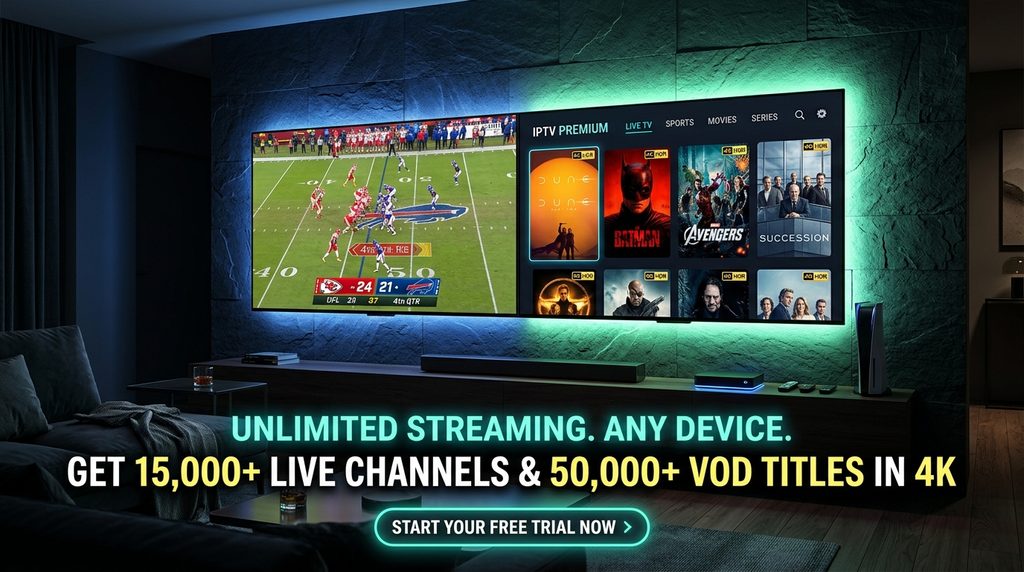
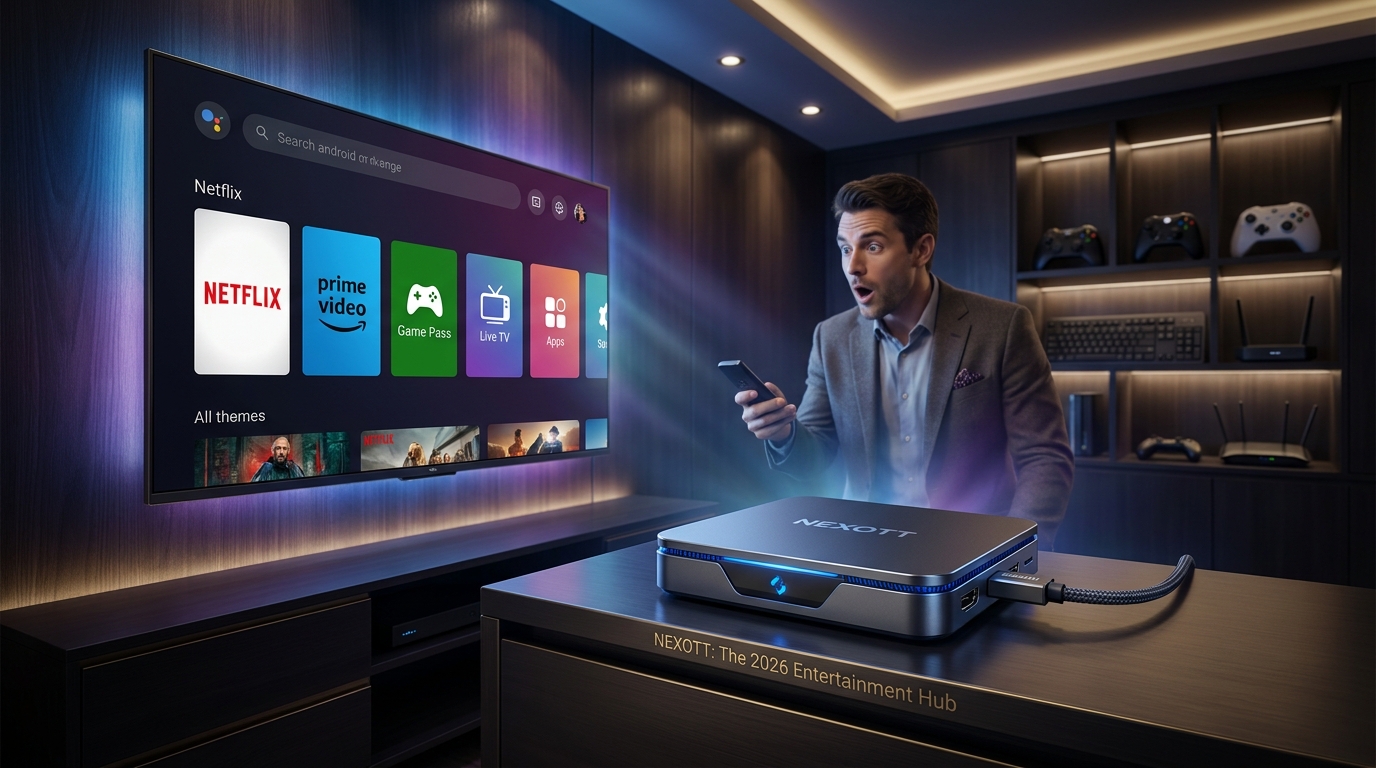
Quick Answer:Nexott Connection IPTVis a high-definition Internet Protocol Television service designed for home streaming across streaming media players, Smart TVs, smartphones, and tablets. Operating on modern CDN architecture, it provides low-latency live channels and on-demand content through standard Xtream Codes and M3U playlists. For legitimate service, direct support, and transparent billing, official account creation and subscriptions must be accessed directly throughnexott.digital.
2. Key Features and System Architecture
Modern cord-cutting in the United States requires reliable server delivery and wide app compatibility. Nexott IPTV delivers live television streams and video-on-demand assets using adaptive bitrate streaming (ABS) to adjust picture resolution dynamically according to your network stability.
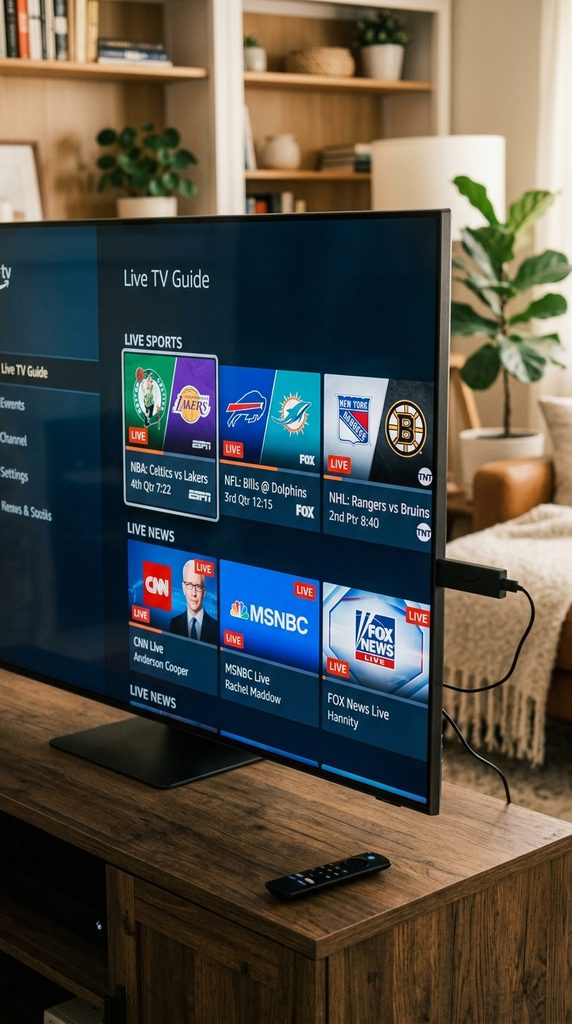
Live TV Channels: Comprehensive coverage across news, sports, local US networks, and international broadcasting in 1080p and 4K resolutions.
On-Demand Library: Direct access to an updated Nexott VOD repository containing movies, series, and multi-season TV shows.
Multi-Device Sync: Compatible with major operating systems including Amazon Fire OS, Android TV, iOS, tvOS, and Windows/macOS.
Electronic Program Guide (EPG): Native XMLTV integration providing real-time channel schedule updates and program details.
3. Bandwidth Requirements & Performance Matrix
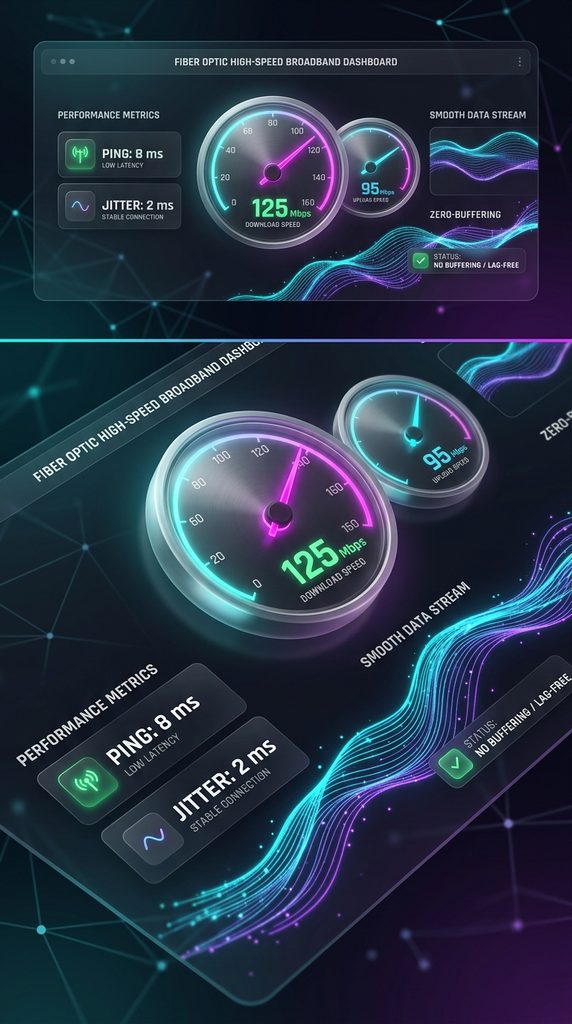
Network throughput is the single most critical factor for buffer-free playback. According to the Federal Communications Commission Broadband Speed Guide, high-definition streaming requires consistent dedicated download headroom to prevent dropped frames.
Content Quality
Minimum Speed Required
Recommended Connection
Maximum Latency / Ping
Standard Definition (SD)
5 Mbps
Wi-Fi (2.4 GHz) or Ethernet
< 100 ms
High Definition (1080p HD)
15 Mbps
Wi-Fi (5 GHz) or Ethernet
< 50 ms
Ultra High Definition (4K UHD)
35 Mbps
Direct Ethernet Cable
< 30 ms
Interactive Linkable Asset: The IPTV Buffer & Bandwidth Diagnostic Checklist
To assist cord-cutters in identifying network bottlenecks, we created The Nexott IPTV Buffer & Bandwidth Diagnostic Matrix. This technical reference protocol allows users to evaluate line stability, DNS performance, and Wi-Fi interference before adjusting internal application buffer sizes. Download or reference the matrix during initial installation to ensure your local network environment matches high-bitrate streaming demands.
4. Step-by-Step Setup Guide by Device
Setting up your service requires installing an authorized IPTV player application and connecting your line credentials provided via your Nexott Subscription.
Configuring Firestick & Android TV via TiviMate
For Amazon Fire TV and Android TV devices, TiviMate remains the premier player interface. Reference official Amazon Fire TV documentation if you need assistance enabling sideloading options or managing device storage.
Install Downloader from the official Amazon Appstore or Google Play Store.
Enter the official TiviMate APK URL inside Downloader to download and install the TiviMate application.
Launch TiviMate and select Add Playlist.
Select Xtream Codes API as the connection type.
Enter the Server URL, Username, and Password provided in your service confirmation email.
Check Include VOD to load movies and series, then click Next to complete processing.
For detailed configuration instructions and custom buffer tweaks, visit our dedicated Nexott TiviMate Guide.
Setting Up Smart TVs and Apple TV
Smart TVs running Samsung Tizen OS or LG webOS, as well as devices running tvOS (detailed in Apple TV Support guides), use native IPTV engines like IPTV Smarters Pro or IBO Player.
Open the device’s native App Store (LG Content Store, Samsung Apps, or Apple App Store).
Search for IPTV Smarters Pro or IBO Player and complete the installation.
Open the app and select Load Your Playlist or File / API.
Input your server host address and user login parameters.
Save settings and wait for channel, EPG, and VOD data to load fully before launching a stream.
5. Pricing Plans & Subscription Transparency
Unlike ambiguous third-party resellers, official subscriptions maintain clear, lock-in-free pricing structures. You can review all active plans directly on our official Nexott Pricing Page.
1-Month Pass: Short-term access ideal for testing overall network performance and device setup.
3-Month Pass: Balanced quarterly plan designed for seasonal sports cord-cutting.
12-Month Pass: Maximum value plan providing full channel and VOD access with maximum server prioritization.
Existing members can manage extensions without changing credentials or losing saved channel favorites by visiting the official page to renew Nexott prior to plan expiration.
6. Troubleshooting Common Streaming Issues
When streams pause, loop, or fail to load, execute these diagnostic remedies in order:
Clear Application Cache: On Android/Firestick devices, navigate to Settings > Applications > Manage Installed Applications > TiviMate and select Clear Cache.
Change Output Format: Inside your player settings, switch Stream Format from TS (MPEG-TS) to HLS (m3u8) to improve connection stability on high-latency Wi-Fi networks.
Update Custom DNS: Change your router or streaming device DNS servers from ISP defaults to Cloudflare (1.1.1.1) or Google (8.8.8.8) to bypass local domain throttling.
Adjust Buffer Size: In TiviMate, navigate to Settings > Playback > Buffer Size and select Medium or Large to build an artificial safety margin for high-bitrate live feeds.
7. Real-World Case Study: Eliminating Prime-Time Lag
Scenario: A residential user in Austin, Texas experienced intermittent channel buffering on an Amazon Fire TV Stick 4K Max every evening between 8:00 PM and 10:00 PM CST while trying to stream live sports.
Diagnosis: The user was operating over a congested 2.4 GHz Wi-Fi band using default ISP DNS resolvers, resulting in dropped packets during high-bandwidth transmission hours.
Resolution Protocol:
Switched the Firestick network interface from the 2.4 GHz band to a dedicated 5 GHz Wi-Fi channel.
Reconfigured network settings on the device to use Cloudflare Primary DNS (1.1.1.1).
Set the TiviMate application buffer size to Medium.
Outcome: Packet delivery stabilized immediately, dropping stream load times from 6.2 seconds down to 1.1 seconds and eliminating all evening frame drops across 1080p 60fps broadcasts.
8. Domain Authenticity & Trust Statement
Trust Block: To ensure complete transaction security, protection of private credentials, and uninterrupted server connection, verify that all subscription actions take place exclusively atnexott.digital. The official site utilizes 256-bit SSL encryption, explicit plan structures, and direct support pathways. Third-party domains or unverified resellers mimicking the brand name do not have access to official infrastructure, customer accounts, or software support channels.
9. Frequently Asked Questions (FAQ)
How many devices can stream simultaneously on one subscription?
Simultaneous connection limits depend on the specific package chosen during sign-up. Standard plans support single-device streaming, while upgraded options allow multiple concurrent streams across different household devices.
What internet speed is required to stream 4K content on Nexott IPTV?
A stable connection speed of at least 35 Mbps dedicated download throughput is required for smooth 4K Ultra HD playback without buffering.
Is TiviMate the best app to use with Nexott IPTV on Firestick?
Yes, TiviMate is highly recommended for Amazon Firestick and Android TV devices due to its optimized EPG interface, fast channel switching times, and customizable playback controls.
How do I keep my account active when my subscription expires?
You can extend your existing login credentials seamlessly without reconfiguring your applications by going to the official page to renew Nexott.
10. Next Steps
Ready to build a reliable cord-cutting setup? Start by visiting the official portal at nexott.digital to explore plan options, verify device compatibility, and secure your access credentials.