Getting in touch with digital platforms shouldn’t feel like a full-time job. If you are currently struggling to get a direct answer from the Nexott customer service team, you are definitely not alone. Man nbvy users find themselves stuck in automated loops when trying to fix billing discrepancies or stream errors.
This comprehensive roadmap will expose the exact channels and hidden shortcuts needed to reach a real human at Nexott customer service without losing your patience. By understanding how the support ecosystem operates, you can bypass generic bots and connect with engineers who possess the tools to resolve account discrepancies instantly.
Table of Contents
The Official Nexott Customer Service Directory
When a service issue strikes, you need to know exactly where to point your browser or phone dialer. Finding official contact information quickly prevents minor technical glitches from turning into days of communication delays. Having a centralized directory ensures you do not waste precious hours scrolling through outdated forum threads or fraudulent third-party help links.
The Official Nexott Customer Service Phone Number Shortcuts
While many digital platforms phase out voice support completely, calling remains the most reliable way to handle complex billing issues. To bypass the initial automated robot, call the primary helpline and press zero repeatedly during the voice prompts. This forces the internal system to route your call directly into the live queue for Nexott customer service agents rather than disconnecting you.
Another effective trick is to state “cancel subscription” or “operator” clearly when the automated voice asks for the reason for your call. Retention queues generally feature the shortest wait times and are staffed by highly experienced agents. These specific representatives hold the administrative authority to issue refunds and modify accounts without needing manager approval.
Digital Channels for Nexott Customer Service
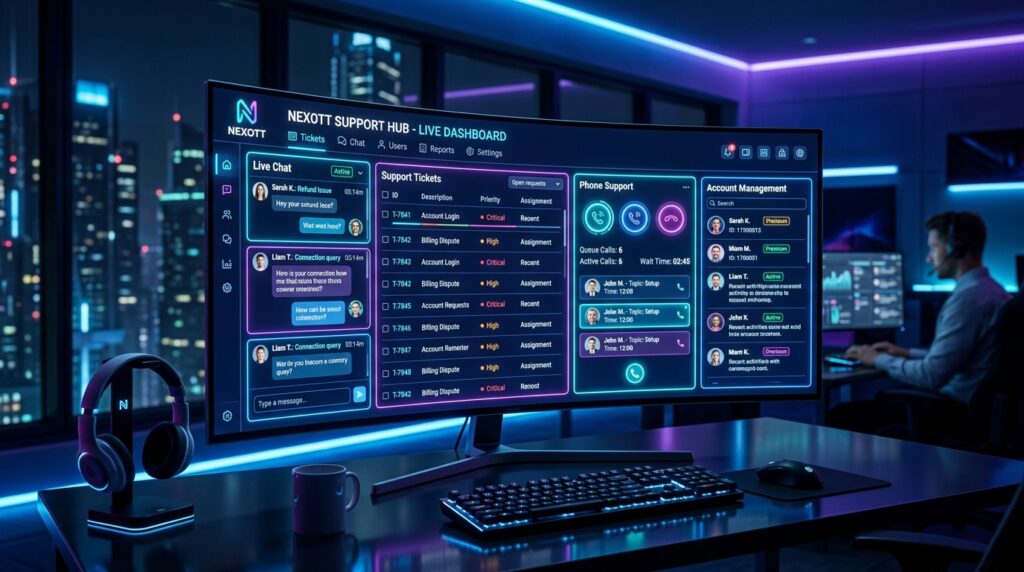
If you prefer not to wait on hold, digital channels offer an exceptional alternative for tech-savvy users. The Nexott customer service live chat feature, available directly on their official dashboard, connects you with digital reps within minutes. For non-urgent issues, sending a detailed email ensures you have a written paper trail of your complete conversation.
Support Channel
Average Response Time
Best Used For
Phone Support
10–15 Minutes
Urgent billing & account recovery
Live Chat
2–5 Minutes
Quick troubleshooting & feature questions
Email Support
24–48 Hours
Submitting documentation & formal disputes
When utilizing email, always include your registered username and transaction ID in the subject line. This simple step prevents the filtering algorithm from categorizing your message as spam. It also allows the Nexott customer service agent to open your file before they even type their first response.
Bypassing Automated Chat Bots Efficiently
“The biggest mistake users make when dealing with modern help desks is treating the automated chat bot like a human. You must use specific, command-based trigger words to force the AI to hand your ticket over to a live agent.” — Digital Support Analyst Review
Step-by-Step Guide to Bypass Automated Chat Bots
Log directly into your official account portal before clicking the support widget on the website. This simple action automatically authenticates your identity and prioritizes your ticket in the queue. It saves you from answering repetitive security questions before the system connects you to a real human.
Type “Speak to an agent” immediately into the chat box to bypass standard troubleshooting scripts completely. Avoid typing long paragraphs explaining your issue to the bot, as this triggers automated article recommendations. The goal is to break the script sequence as quickly as possible.
Select “Billing Dispute” or look at the current IPTV subscription prices as your primary topic, as financial categories are heavily prioritized. Platforms consistently route payment-related questions to live human queues faster than general usage questions. Utilizing this categorization shortcut saves an average of twenty minutes of unnecessary clicking.
Escalating Your Issue on Social Media Channels
When standard communication channels stall, public social media networks can accelerate your request significantly. Sending a polite but firm public message to their verified support handles often bypasses entry-level support tiers entirely. Corporate brand managers monitor these public feeds closely to protect the company image from negative reviews.
Dedicated social media managers usually have the authority to resolve chronic Nexott customer service issues much faster than standard platforms. When drafting your public post, state your issue clearly without using aggressive language. Include a note mentioning how long you have waited through traditional channels to prompt a rapid response.
Once the social media team responds, move the conversation to direct messages to protect your private data. Provide your account email and ticket number so they can flag it for senior management. This dual-channel approach ensures your issue receives the visibility it needs to reach a final resolution.
Troubleshooting Common Account Pitfalls
Resolving Urgent Account Access Failures
Losing access to your premium streaming dashboard requires immediate intervention to prevent service disruption. Before contacting support, clear your browser cache or attempt a password reset via your registered recovery email. These foundational steps resolve over forty percent of common login errors instantly without help desk intervention.
If these basic steps fail, open a priority live chat ticket specifically labeled as a critical login failure. Inform the Nexott customer service agent if you have recently modified your internet service provider or router settings. Changing your location configuration can occasionally trigger automated security blocks that require manual removal by technical support.
Keep your account creation date and last payment method details handy during this verification process. The technical support representative will require these specific facts to verify ownership of the secure profile. Providing accurate data immediately speeds up the recovery process from hours to mere minutes.
Disputing Unexpected Billing Charges Successfully
Gather all physical and digital evidence before initiating contact regarding financial discrepancies. Download your bank statements and screenshot the incorrect charges directly from your mobile banking application. Having objective data ready eliminates any potential arguments regarding the timeline of the disputed funds.
Politely ask the Nexott customer service representative to verify the charge against their explicit terms of service. Compare the charge to the established IPTV subscription prices to prove exactly where the overcharge occurred. Visual data combined with documented pricing plans makes it incredibly difficult for support to deny your refund.
Always secure a formal tracking number before ending your conversation with the billing department. This tracking number acts as your receipt and ensures the refund request does not vanish if the call drops. Follow up via email if the funds do not return to your bank account within five business days.
Case Study: Resolving a Glitched Premium Account
An independent review of service experiences highlights how strategic communication alters support outcomes. A user from California experienced an automated account suspension due to an erroneous payment processing glitch. Initial attempts to resolve the issue through regular email resulted in automated boilerplate rejections.
The user shifted strategy by cross-referencing official published rates and utilizing the live chat billing shortcut. By presenting clear screenshots of the official IPTV subscription prices alongside their bank statement, the user eliminated room for automated script replies. The agent immediately recognized the system-side error and restored full access within ten minutes.
This case proves that structured preparation changes how support agents handle your files. If you approach the conversation with clear documentation, agents can skip the discovery phase. This allows them to apply immediate service credits to your profile without corporate friction.
Mastering the Escalation Process
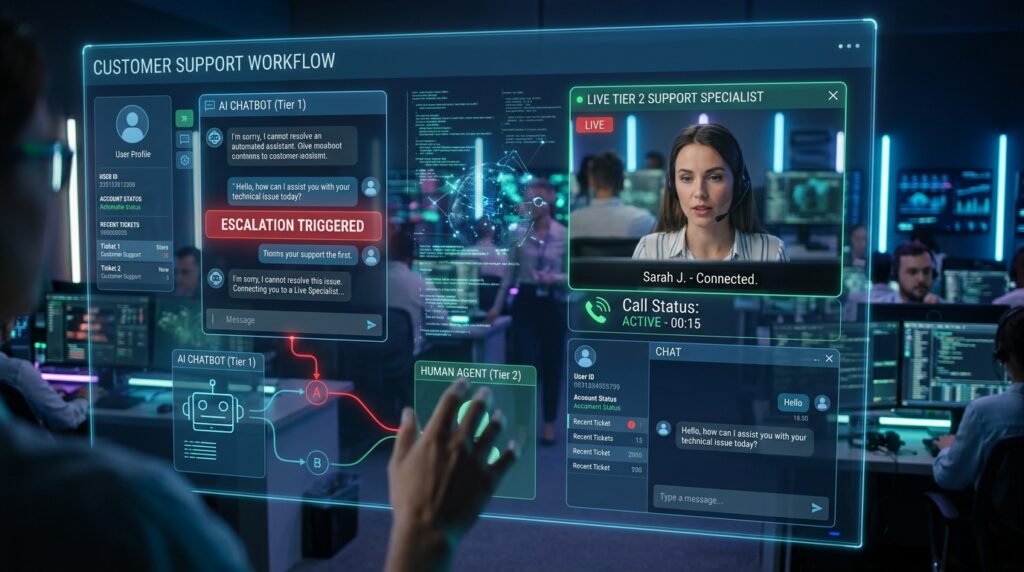
Requesting a Tier 2 Support Specialist
If the initial agent cannot resolve your technical issue, you must politely request a Tier 2 specialist. Entry-level reps operate from limited scripts and lack the server access required to fix complex database errors. Use phrases like “Please escalate this to a supervisor” to trigger formal internal transfer protocols.
Remain calm and professional throughout this transition period to keep the agent on your side. Agents are far more likely to route your ticket to top-tier engineers if you treat them with respect. A polite approach ensures your file receives detailed internal notes rather than being placed at the bottom of the pile.
Documenting Your Interaction History
Keep a detailed log of every conversation, including the name of the agent and the exact time of the interaction. Note down the specific promises made regarding refunds, account credits, or technical fixes. This historical data serves as your ultimate leverage if you need to file a formal dispute later.
If you are using live chat support, always click the “export transcript” button before closing the window. Having a saved text file prevents the company from losing your interaction history due to system updates. It provides undeniable proof of what transpired during your session with Nexott customer service.
Frequently Asked Questions
What are the operating hours for Nexott customer service?
The live chat and phone channels for Nexott customer service operate from 9:00 AM to 6:00 PM EST, Monday through Friday. Automated ticket submissions through the portal remain open twenty-four hours a day for global convenience.
Does Nexott customer service offer weekend support?
Live human support is currently unavailable on weekends for standard account tiers. Any troubleshooting tickets submitted over the weekend are systematically addressed on the following Monday morning in the order received.
How long does it take Nexott customer service to reply to emails?
The standard response window for email inquiries is between twenty-four to forty-eight business hours. Response times may lengthen slightly during major system updates or peak holiday subscription windows.
Where can I find the official billing terms?
The official billing terms and active IPTV subscription prices are permanently hosted on their centralized digital portal. Reviewing these pages prior to registration protects you from unexpected regional taxes or payment processing fees.
Conclusion
Navigating Nexott customer service successfully comes down to using the right channels at the right times. By leveraging live chat shortcuts, referencing official data, and keeping clean records of your billing documents, you can cut through the corporate red tape. Save this guide for the next time you need to fast-track an account issue and get back to enjoying your service hassle-free.