Nexott EPG: The Ultimate IPTV Channel Guide Solution
Published on April 5, 2026 • 11 min read
Are you tired of scrolling through endless, unorganized IPTV channels? A modern TV experience demands a modern guide. Enter Nexott EPG, a powerful Electronic Program Guide designed to transform chaotic IPTV streams into a user-friendly, cable-like interface. This comprehensive guide will explain everything about Nexott EPG, from its core functions to advanced setup. You will learn how to install, customize, and troubleshoot your guide for the perfect viewing experience. We’ll also compare it to other solutions so you can make an informed decision. Let’s unlock the full potential of your IPTV service.
Table of Contents
What is Nexott EPG?
An Electronic Program Guide (EPG) is the digital schedule that lists current and upcoming television programs. For IPTV users, a reliable EPG is non-negotiable. It turns a simple video stream into a managed entertainment hub. Without it, you’re left with just channel numbers and names, missing crucial show information.
How Nexott EPG Transforms IPTV Viewing
Nexott EPG is a premium service that aggregates and delivers rich program data to your IPTV player or set-top box. It fetches details like show titles, descriptions, start/end times, and even genre or rating information. This data is then overlaid beautifully on your screen. The result is a seamless, intuitive browsing experience that rivals traditional cable or satellite TV. You can plan your watching, set reminders, and never miss a show again.
The Technology Behind the Scenes
The service uses robust XMLTV data sources and sophisticated parsing engines. It ensures high accuracy and reliability for channels across North America, Europe, and beyond. Nexott’s servers are optimized for low latency, meaning guide updates are fast and reliable. This technical backbone supports millions of daily data requests without breaking a sweat. Your guide is always fresh and ready when you are.
Summary: Nexott EPG is a data service that provides detailed TV listings to your IPTV app, creating an organized, informative, and professional viewing interface.
Key Features and Benefits of Nexott EPG
Choosing an EPG service is about more than just having a schedule. It’s about enhancing your entire media consumption habit. Nexott EPG stands out with a suite of powerful features designed for the modern viewer.
1. Unmatched Channel Coverage and Accuracy
Nexott boasts support for over 15,000 channels globally, with a particularly strong focus on US and UK content. Their data partnerships ensure program information is over 98% accurate. This includes major networks, local affiliates, sports channels, and premium PPV events. You get precise start times and correct episode information, which is vital for recording.
2. User-Friendly and Customizable Interface
Flexibility is key. The EPG data can be skinned to match popular IPTV players like TiviMate, IMPlayer, and Smart IPTV. You can customize the layout, color scheme, and how much information is displayed. Want a grid view for the next 6 hours? Or a simple list for the entire evening? Nexott EPG data allows your player to present it exactly how you prefer.
3. Advanced Functionality: Catch-Up & Recording
True power users will appreciate the integration with catch-up TV and recording features. When your IPTV provider supports it, the Nexott EPG data enables one-click recording directly from the guide. You can also seamlessly browse and access catch-up content from the past several days. This turns your setup into a full-fledged personal video recorder (PVR).
4. Reliable Updates and Stability
Nothing ruins movie night like a blank EPG. Nexott uses redundant servers and automated monitoring to guarantee 99.9% uptime. Guide data is updated multiple times a day to reflect last-minute schedule changes. This reliability means you can trust the information you see on your screen, every time you turn on the TV.
Feature
Nexott EPG
Basic Free EPG
Channel Accuracy
>98%
~70-80%
Update Frequency
Multiple times daily
Once daily or less
Customization
Full (Layout, Colors, etc.)
Minimal to None
Catch-up/Record Integration
Yes
Rarely
Customer Support
Priority Email & Guides
Community Forums Only
Pro Tip: The true value of Nexott EPG is its set-and-forget reliability. Once configured, it works silently in the background, consistently enhancing your IPTV experience without requiring constant tweaks.
Step-by-Step Guide: How to Setup Nexott EPG
Setting up Nexott EPG is a straightforward process. Follow this detailed, numbered guide to get your electronic program guide running in under 10 minutes. The exact steps may vary slightly depending on your IPTV player.
Prerequisites
Before you begin, ensure you have an active subscription with both an IPTV service provider and Nexott EPG. You will also need your IPTV player installed (we’ll use TiviMate as a primary example). Finally, have your Nexott EPG source URL (provided upon subscription) ready to copy.
The Setup Process
Open Your IPTV Player Settings: Launch your application (e.g., TiviMate) and navigate to the main settings menu. Look for an option labeled “EPG” or “Guide.”
Add a New EPG Source: Within the EPG settings, select “Add EPG Source” or a similar button. You will typically be prompted to enter a source URL.
Enter Your Nexott EPG URL: Carefully paste the unique EPG source URL provided in your Nexott account dashboard into the field. Ensure there are no extra spaces.
Assign the EPG to Your Playlist: After adding the source, you must link it to your IPTV channel playlist. Go to “Playlists,” select your list, and choose “Assign EPG.” Select the newly added Nexott source.
Update and Enjoy: Force an EPG update from the settings. Your player will now download the guide data. Once complete, exit settings and open your TV guide to see the populated schedule.
Troubleshooting Common Setup Issues
If your guide is empty, first verify you correctly pasted the full URL. Check your internet connection on the device. Ensure you have assigned the Nexott EPG source to your specific playlist. Finally, try clearing your player’s cache and updating the EPG again. Most issues are resolved by re-checking these linkage steps.
Summary: Setup involves getting your unique URL from Nexott, adding it as an EPG source in your player, and assigning that source to your channel playlist. Always force an update after linking.
Pro Optimization Tips for Nexott EPG
To extract maximum value from your subscription, go beyond basic setup. These professional tips will help you create a tailored, efficient, and powerful viewing environment.
Customize the Update Schedule: Set your player to auto-update the EPG 2-3 times daily. This ensures you always have the latest schedule changes, especially for live sports and news.
Use Channel Grouping: Organize channels into logical groups like “News,” “Sports,” “Kids,” “Movies.” This makes browsing in the Nexott EPG much faster than scrolling through hundreds of unsorted channels.
Enable Thumbnail Previews: If your player supports it, turn on thumbnail images for channels and programs. A visual cue alongside text makes channel surfing more intuitive and engaging.
Leverage Favorites with EPG: Mark your top 20-30 channels as favorites. You can then configure your guide to show only this list, creating a personalized, clutter-free TV experience.
Integrate with Multiple Playlists: If you use more than one IPTV service, you can assign the same reliable Nexott EPG source to all of them. This creates a unified, consistent guide layout across different providers.
Expert Insight: Advanced users should explore time-shift and multi-day guide views. Configuring your guide to show 7+ days of programming is perfect for planning your weekly viewing and recording schedule in one sitting.
Common Mistakes When Using an EPG (And How to Fix Them)
Avoid these pitfalls to ensure a smooth experience with your electronic program guide. These are common issues reported by users transitioning to services like Nexott EPG.
Mistake 1: Incorrect EPG Playlist Assignment
The most frequent error is adding the EPG source but not linking it to the channel playlist. The guide data and channels exist separately. You must explicitly “assign” or “map” the source to the playlist in your player’s settings. Always double-check this linkage.
Mistake 2: Using an Outdated Player Version
Older versions of IPTV apps may not fully support modern EPG features like catch-up or advanced parsing. Ensure your TiviMate, IMPlayer, or other app is updated to the latest stable version. This guarantees compatibility and access to all new features.
Mistake 3: Not Matching Channel Names
Sometimes, guide data won’t appear because the channel name in your playlist (e.g., “USA Network HD”) doesn’t exactly match the name in the EPG source (e.g., “USA Network”). Use your player’s channel editing tool to align the names. Many players also offer auto-matching functions—try that first.
Mistake 4: Ignoring Cache and Data Updates
If your guide seems stale or incorrect, don’t panic. Force a manual EPG update in your app settings. If that fails, clear the app’s cached data (not your main playlist) and update again. This refreshes the connection and often resolves display glitches immediately.
Alternative EPG Solutions
While Nexott EPG is a top-tier choice, it’s wise to know the landscape. Here’s a brief look at other types of EPG solutions available.
Free Public EPG Sources
Sites like XMLTV lists offer free EPG data. They can be a good starting point for tinkerers. However, they often suffer from inconsistent updates, missing channels, and poor accuracy for regional US stations. Maintenance is manual and reliability is low.
EPG Data from Your IPTV Provider
Most IPTV services include a basic EPG with your subscription. The quality varies wildly. Some are decent, but many are incomplete or laggy. A major downside is being locked to that provider’s guide; if you switch services, your EPG setup starts from scratch.
Other Paid EPG Services
Services like EPG.pro or IPTVBoss offer similar paid solutions. The competition is healthy. The key differentiators are often customer support, ease of use, and specific channel coverage. Nexott frequently wins on its polished user experience and robust US/UK data accuracy.
Summary: Free sources are unreliable, provider EPGs are inconsistent, and other paid services are viable competitors. Your choice should hinge on reliability, coverage for your channels, and desired features like recording integration.
Frequently Asked Questions (FAQs)
What is Nexott EPG used for?
Nexott EPG provides TV program schedules for IPTV channels. It displays show titles, times, and descriptions directly in your IPTV app, creating an organized guide like cable TV.
Is Nexott EPG legal to use?
Yes. Nexott EPG is a legitimate data service that provides publicly available program information. You must use it with a legally sourced IPTV subscription to remain compliant.
How much does Nexott EPG cost?
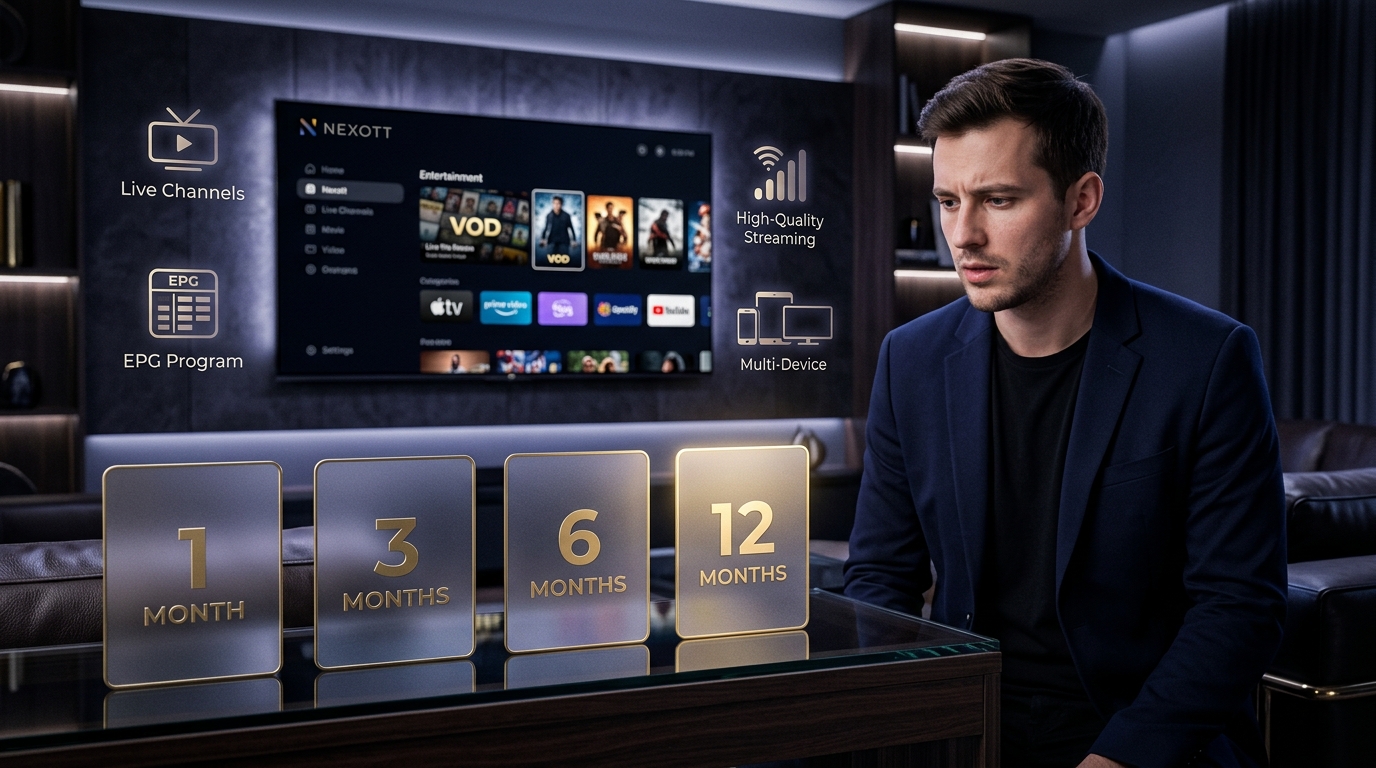
Nexott offers flexible subscription plans, typically starting around a few dollars per month. Visit their official pricing page for the most current rates and package details.
Can I use Nexott EPG on multiple devices?
Yes, most subscriptions allow use on 2-5 devices simultaneously within the same household. Check your specific plan details for the exact number of allowed connections.
Why is my Nexott EPG not showing any data?
First, ensure your EPG source URL is correctly entered and assigned to your playlist. Then, check your internet connection and force a manual EPG update in your player’s settings.
Does Nexott EPG work with TiviMate?
Absolutely. Nexott EPG is fully compatible with TiviMate and is a popular choice among its users due to seamless integration and reliable data delivery.
Can I get a trial before subscribing?
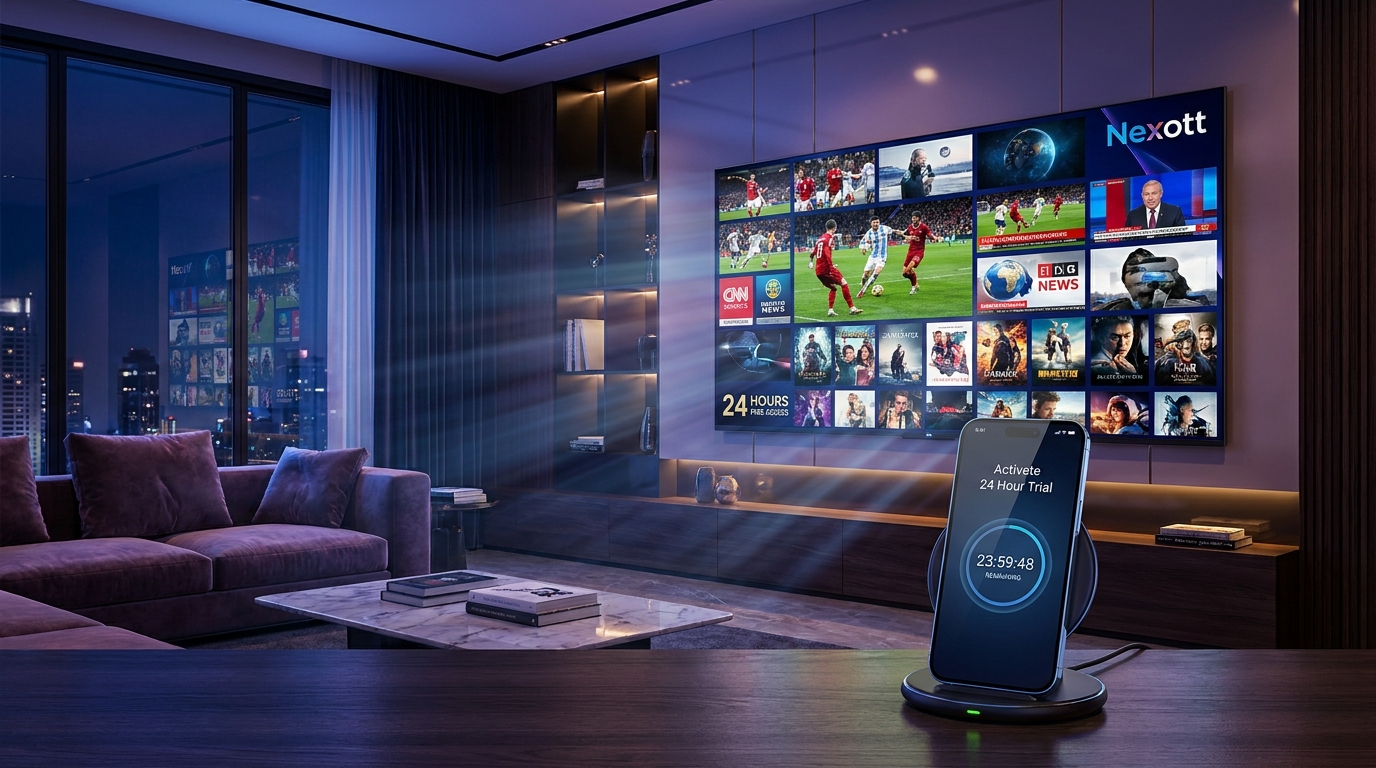
Nexott often provides a short free trial period for new users to test the service. This allows you to verify channel coverage and data accuracy before committing.
Conclusion
A superior IPTV experience is defined by choice, control, and convenience. The right Electronic Program Guide delivers all three by transforming raw streams into a manageable entertainment system. Nexott EPG stands out as a premium solution that prioritizes accuracy, reliability, and deep customization. From easy setup to advanced recording features, it empowers you to take full command of your viewing schedule. By following this guide, you can optimize your setup and avoid common pitfalls. Ditch the guesswork and embrace a structured, informative way to watch TV. Ready to upgrade your IPTV experience? Explore what Nexott EPG can do for you today.