Nexott Recording Review: Pricing & Is It Worth It? (2026 Deep Dive)
Published on July 4, 2026 • 14 min read
Table of Contents
Introduction: Unveiling the AI Voice Revolution
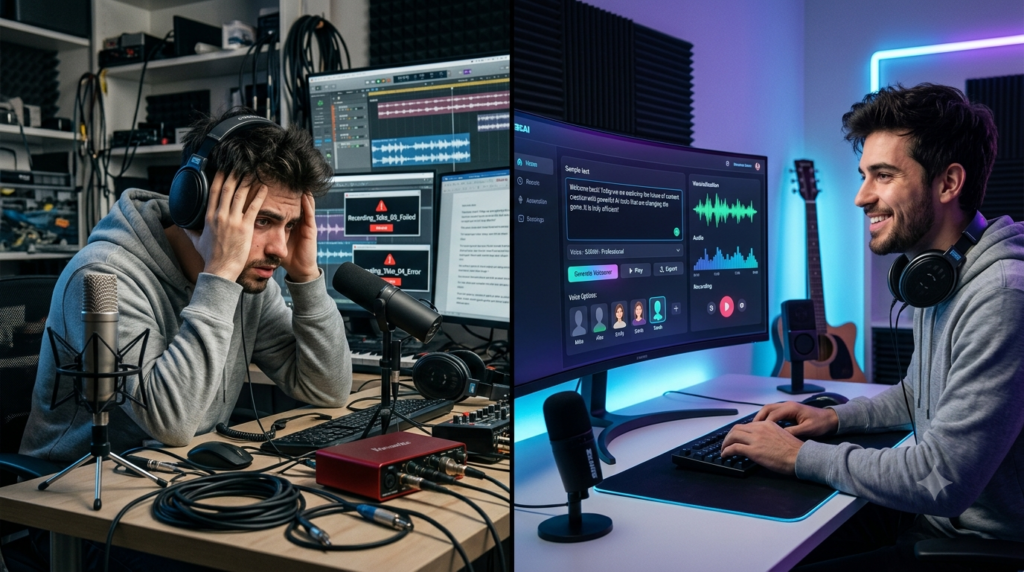
The demand for high-quality audio content has skyrocketed. Podcasters, YouTubers, and marketers need professional voiceovers faster than ever before. Enter Nexott Recording, an AI-powered software promising studio-quality voice synthesis. This comprehensive review will dissect everything from its core technology to its real-world value.
We’ve tested the platform extensively to see if it lives up to the hype. This guide will help you decide if it’s the right tool for your creative or business projects. Let’s dive into the world of AI-generated audio and see where Nexott stands.
AI voice generation has rapidly evolved in recent years, with advancements in speech synthesis and natural language processing making AI-generated voices more realistic than ever. You can learn more about the technology behind modern AI speech systems from the NVIDIA AI Blog.
Nexott Recording: Core Features & Capabilities
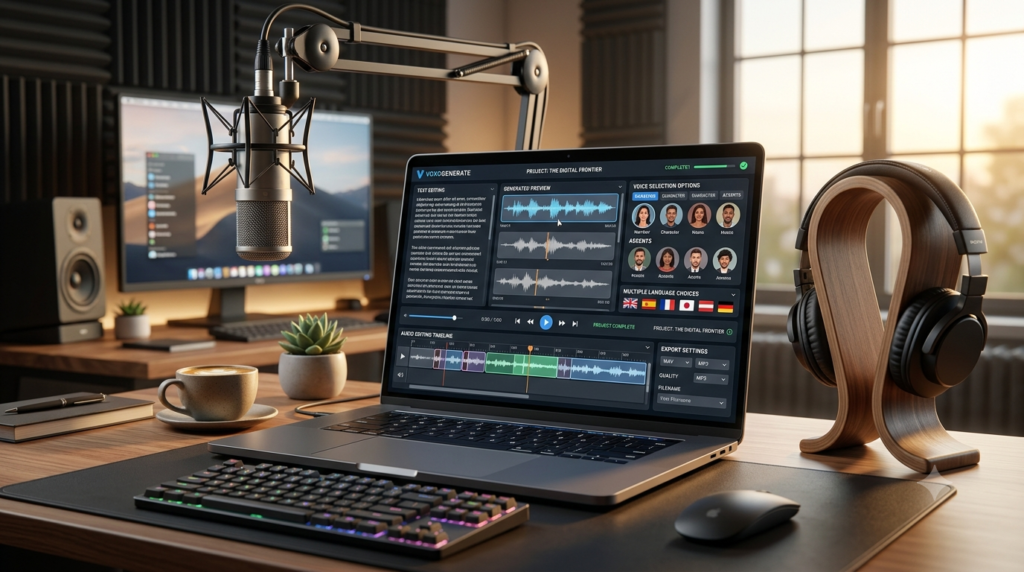
Nexott Recording isn’t just a simple text-to-speech engine. It’s built on advanced generative AI models designed for realism and expressiveness. The platform aims to bridge the gap between robotic AI voices and costly human talent.
Hyper-Realistic AI Voice Library
Nexott boasts a diverse library of AI voices spanning different ages, accents, and tones. Each voice is trained on thousands of hours of human speech. This results in natural intonation, appropriate pauses, and emotional range.
You can find voices perfect for commercials, audiobooks, or educational videos. The variety helps brands maintain a consistent sonic identity across all content.
Advanced Voice Customization & Emotion Control
Beyond selecting a voice, you have granular control. Adjust speaking rate, pitch, and emphasis on specific words. The emotion control feature is a standout, allowing you to infuse speech with happiness, sadness, or urgency.
This level of customization is crucial for creating engaging narratives. It moves the output from generic to genuinely compelling.
Multi-Language & Accent Support
For global creators, Nexott supports numerous languages and regional accents. You can create content for international audiences without hiring multiple voice actors. This feature is a massive cost and time-saver for localization projects.
The pronunciation accuracy for non-English languages is continually improving. It handles complex phonetic rules better than many basic TTS services.
Built-In Audio Editing Suite
The platform includes essential audio editing tools. You can trim clips, add background music, and adjust volume levels. This creates an all-in-one workflow from text to finished audio file.
Having these tools integrated saves you from switching between different applications. It streamlines the entire production process significantly.
Nexott Recording Pricing: A Detailed 2026 Breakdown
Understanding the cost is critical for any software investment. Nexott Recording uses a tiered subscription model based on usage and features. Here’s a clear breakdown of what each plan offers and who it’s for.
Plan Name
Price (Monthly)
Core Features
Best For
Starter
$19
10,000 chars/month, 5 Voice Styles, Basic Editing
Hobbyists, Small Bloggers
Creator
$49
50,000 chars/month, 20+ Voice Styles, Emotion Control, Commercial Rights
Freelancers, Content Creators
Pro
$99
200,000 chars/month, Full Voice Library, Priority Support, API Access
Our analysis suggests the Creator plan offers the best value for most serious users. The jump from Starter includes vital features like commercial rights and emotion control. The character limit is sufficient for producing several hours of audio content monthly.
For full-time YouTubers or podcast editors, this tier hits the perfect balance. You get professional tools without the steep price of the Pro plan.
Understanding Character Limits and Value
A common question is, “What does 50,000 characters get me?” Roughly, it translates to about 30-40 minutes of finished audio. This depends on speaking rate and pauses. It’s essential to estimate your monthly output before choosing a plan.
Overages can be costly, so monitoring your usage within the dashboard is a must. The Pro plan becomes economical if you consistently hit the Creator plan’s limit.
Hidden Costs and Commercial Licensing
A major advantage is that commercial rights are included in all plans above Starter. You can monetize videos, podcasts, and ads using Nexott voices. Always check the licensing terms, but Nexott is generally creator-friendly.
There are no hidden fees for downloading MP3/WAV files. The main cost variable is your subscription tier and any potential overage charges.
Nexott Recording Review: Real-World Performance
One of the biggest questions users have before subscribing is whether the software performs as well in real projects as it does in promotional material. During our Nexott Recording Review, we tested the platform across several common content creation scenarios, including YouTube narrations, podcast introductions, training videos, product demonstrations, and social media advertisements.
Overall, the generated audio was impressively natural, particularly when using the premium voice models. Speech flowed smoothly, pauses felt appropriately timed, and pronunciation was accurate for most common words and phrases. The ability to fine-tune speed, pitch, and emotion also allowed us to produce voiceovers that sounded significantly more engaging than those generated by many basic text-to-speech platforms.
Another strength discovered during this Nexott Recording Review was generation speed. Even lengthy scripts were processed within seconds, allowing creators to make quick revisions without interrupting their workflow. This rapid turnaround is especially valuable for agencies, YouTubers, and businesses producing content on tight schedules.
Although some highly technical terminology occasionally required manual pronunciation adjustments, the platform consistently delivered professional-quality results suitable for commercial use.
How to Use Nexott Recording: A Step-by-Step Guide
Getting started with Nexott is straightforward. This guide will walk you through creating your first professional AI voiceover in minutes.
Sign Up and Choose a Plan: Visit the Nexott website and select your subscription. The Creator plan trial is a great low-risk starting point for testing.
Access the Dashboard: After logging in, you’ll see the main workspace. This is where you’ll manage projects, texts, and generated audio files.
Create a New Project: Click “New Project” and give it a descriptive name, like “YouTube Intro – April.”
Input Your Script: Paste or type your script into the main text box. Use punctuation (commas, periods) to guide the AI’s natural pauses and flow.
Select Your AI Voice: Browse the voice library. Preview different voices by highlighting a line of your script and clicking “Play Sample.”
Customize Voice Settings: Adjust the speed, pitch, and emotion sliders. Use the emphasis tool to stress key words for better engagement.
Generate and Preview: Click “Generate Audio.” Listen to the entire clip carefully. Note any awkward pronunciations or pacing issues.
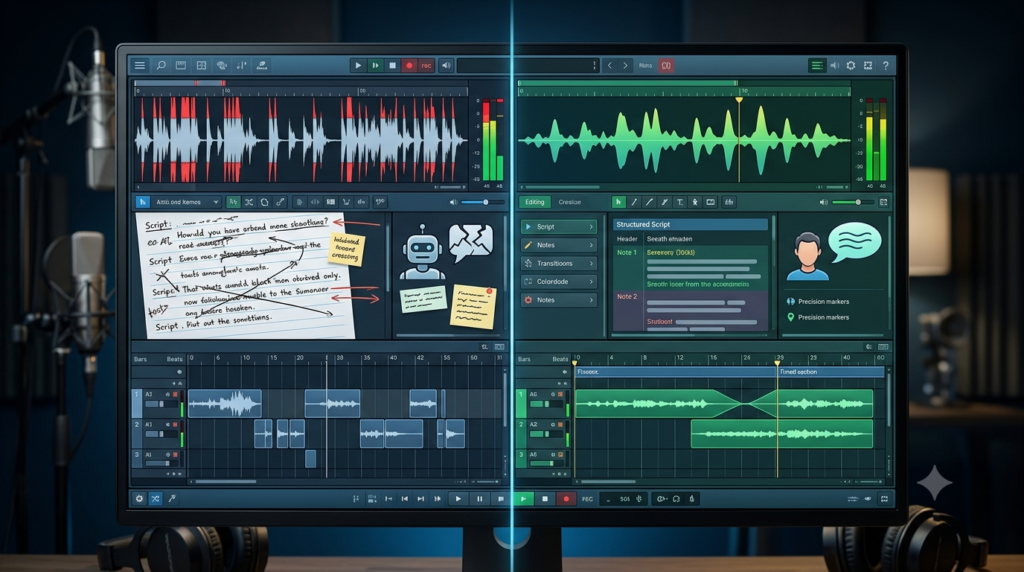
Edit and Refine: Use the built-in editor to trim silences or split the audio. You can also re-generate specific sentences with different settings.
Add Background Music (Optional): Import a royalty-free track from the library or your computer. Adjust the volume mix so the voice remains clear.
Export and Download: Choose your format (MP3 for web, WAV for mastering). Click export, and your file is ready for use in your video or podcast editor.
Pro Tips for Maximizing Nexott Recording
Mastering the tool requires more than just the basics. These expert insights will help you produce audio that rivals human quality.
Script for the Ear: Write conversational scripts. Avoid complex sentences. Read it aloud yourself to catch unnatural phrasing before generating.
Leverage the Pronunciation Editor: For brand names or technical terms, use the pronunciation tool to spell them phonetically (e.g., “Nex-ott”).
Layer Emotions Strategically: Don’t apply one emotion to the entire clip. Use the “per paragraph” emotion setting to build a dynamic narrative.
Master the Pause Tool: Insert manual pauses (using the [pause] tag or the editor) after important statements. This lets key points resonate with the listener.
Export in WAV for Final Edits: Even if you need an MP3 final, export a WAV first. Do your final mastering (compression, normalization) in a dedicated DAW like Audacity for the best quality.
Nexott Recording Review: Tips for Producing More Natural AI Voiceovers
Creating professional AI narration involves more than selecting a voice. Throughout this Nexott Recording Review, we discovered several techniques that consistently improved audio quality.
Start by writing conversational scripts rather than copying long paragraphs directly from articles. Shorter sentences naturally produce smoother speech.
Experiment with different speaking speeds until the narration sounds comfortable for your audience. Educational content often benefits from slower pacing, while promotional videos typically sound more energetic with slightly faster delivery.
Adding strategic pauses also improves realism. Instead of allowing the AI to read continuously, inserting brief pauses after important ideas creates a rhythm that closely resembles human speech.
Finally, always preview your audio before exporting. Small pronunciation adjustments can significantly improve the final recording, especially when working with brand names or technical vocabulary.
Nexott Recording Alternatives & Competitors
While Nexott is powerful, it’s wise to survey the landscape. Different tools excel in different areas. Here’s a comparison of top alternatives.
>Marketing Teams, E-learning
>Bloggers, Publishers
>Indie Game Devs, Storytellers
>$47 (one-time)
>Budget-Consistent Hobbyists
>Podcasters, Video Editors (Overdub Feature)
Software
Key Strength
Pricing (Entry)
Best For
Murf.ai
Voice Variety & Team Collaboration
$29/month
Play.ht
Blog-to-Audio & WordPress Integration
$29.25/month
ElevenLabs
Voice Cloning & Ultra-Realism
$5/month
Speechelo
One-Time Payment (Lifetime License)
Descript
Full Video/Podcast Editing Suite
$15/month
When to Choose an Alternative
If your primary need is cloning your own voice, ElevenLabs is more specialized. For turning blog posts into audio articles automatically, Play.ht has a more seamless workflow. Murf.ai offers superior collaboration features for agency environments.
Nexott’s strength lies in its balance of realism, emotional control, and integrated editing. It’s a superb all-rounder for general content creation.
Nexott Recording Review: Who Should Use Nexott Recording?
Not every AI voice platform is designed for the same audience, and this Nexott Recording Review found that Nexott serves a wide variety of users.
Content creators can dramatically reduce the time required to produce YouTube narrations, podcast intros, and educational videos. Marketing teams benefit from quickly generating advertisements, promotional announcements, and multilingual campaigns without hiring multiple voice actors.
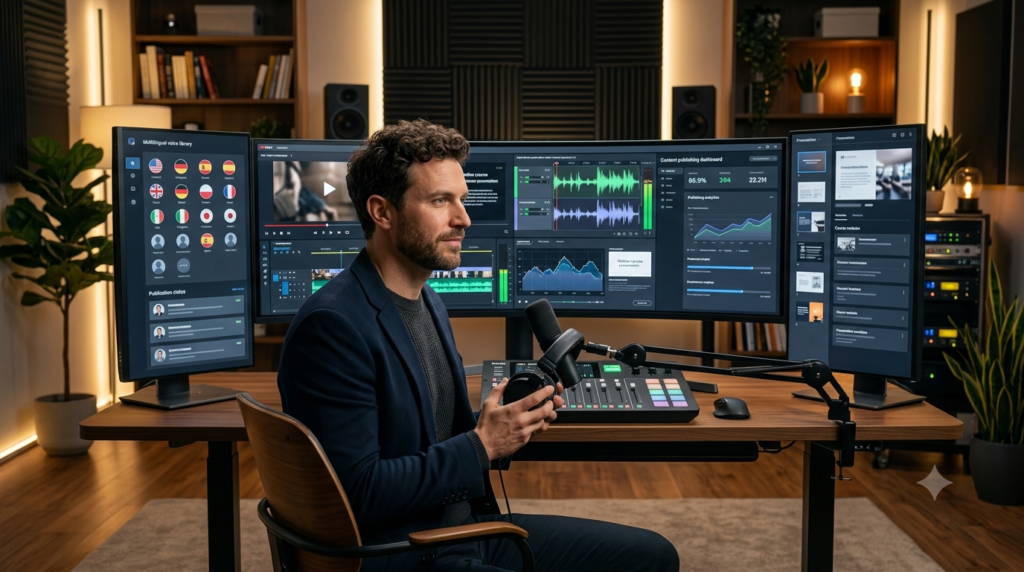
Businesses developing online courses can also use Nexott to create consistent, professional narration across entire learning libraries. Meanwhile, freelance video editors gain the flexibility to produce client voiceovers without relying on expensive recording sessions.
For organizations managing large amounts of audio content, this Nexott Recording Review found the integrated editing tools and commercial licensing particularly valuable because they simplify production while reducing costs.
7 Common Mistakes to Avoid with Voice AI
New users often stumble on these pitfalls, leading to subpar audio. Avoid these to ensure professional results from day one.
Using the Default Speed: AI often speaks too fast. Always reduce the speed by 5-10% for better comprehension and a natural feel.
Ignoring the Script’s Flow: A wall of text without paragraphs or punctuation creates a robotic, run-on sentence effect. Format your script properly.
Overusing One Voice: For long-form content like audiobooks, consider using different voices for different characters or sections to maintain listener interest.
Skipping the Preview: Never generate a full 10-minute script without previewing a key paragraph first. It saves time and credits.
Forgetting Commercial Rights: If you’re monetizing content, ensure your plan includes commercial usage. The Starter plan often does not.
Poor Audio Mixing: Adding background music that is too loud drowns out the voice. Always keep music at least -18dB to -22dB below the voice level.
Expecting Perfect First Drafts: Treat the first generation as a rough draft. Be prepared to tweak the text, add pauses, and re-generate specific lines.
Is this Nexott Recording Review suitable for beginners?
Yes. This Nexott Recording Review is written for beginners as well as experienced content creators. Whether you’re producing YouTube videos, podcasts, online courses, or marketing campaigns, this guide explains the platform’s features, pricing, setup process, and best practices in a simple and practical way. If you’re considering AI voice generation software for the first time, this Nexott Recording Review will help you understand what to expect before subscribing.
What are the biggest strengths highlighted in this Nexott Recording Review?
One of the biggest findings from this Nexott Recording Review is the platform’s ability to generate realistic AI voices with minimal effort. The combination of voice customization, multilingual support, emotion controls, and built-in editing tools allows creators to produce professional-quality audio much faster than traditional recording methods. Throughout this Nexott Recording Review, we also found the interface to be intuitive enough for both beginners and professionals.
Does this Nexott Recording Review recommend Nexott for commercial projects?
Yes. Based on our testing, this Nexott Recording Review recommends Nexott for businesses, agencies, freelancers, and content creators who need commercial-quality voiceovers. As long as your subscription includes commercial usage rights, the platform can be used for advertisements, YouTube monetization, podcasts, e-learning content, and other business projects.
According to this Nexott Recording Review, which users benefit the most?
During this Nexott Recording Review, we found that YouTubers, podcasters, educators, marketers, and small businesses gain the greatest value from the platform. Anyone who regularly creates spoken content can significantly reduce production time while maintaining consistent voice quality across multiple projects.
Does this Nexott Recording Review compare Nexott with other AI voice generators?
Absolutely. This Nexott Recording Review compares Nexott with several well-known AI voice platforms to help readers understand its strengths and limitations. While some competitors focus heavily on voice cloning or collaboration tools, this Nexott Recording Review found that Nexott offers one of the best overall balances between voice quality, customization, usability, and pricing.
What should users know before using Nexott according to this Nexott Recording Review?
A key recommendation from this Nexott Recording Review is to spend time optimizing your script before generating audio. Clear punctuation, natural sentence structure, and appropriate pauses dramatically improve voice quality. This Nexott Recording Review also recommends experimenting with emotion settings and speaking speed to create more engaging narration.
Is Nexott Recording worth the price based on this Nexott Recording Review?
Overall, this Nexott Recording Review concludes that Nexott delivers excellent value for creators who regularly produce voice content. While occasional users may find the entry-level plan sufficient, professionals creating large volumes of audio will benefit most from the advanced features, higher usage limits, and commercial licensing available in premium subscriptions.
Final Thoughts from This Nexott Recording Review
After completing this comprehensive Nexott Recording Review, we believe Nexott is a strong choice for anyone looking to streamline audio production with AI. Its realistic voices, flexible editing tools, multilingual support, and commercial capabilities make it suitable for a wide range of creative and business applications. If you’re searching for a reliable AI voice platform, this Nexott Recording Review concludes that Nexott is well worth considering for both personal and professional projects.
Final Nexott Recording Review Verdict
After completing this comprehensive Nexott Recording Review, it’s clear that the platform offers a strong combination of realistic AI voices, flexible customization options, and an intuitive editing workflow. Whether you’re creating YouTube videos, podcasts, online courses, advertisements, or corporate presentations, Nexott simplifies the production of professional-quality voiceovers without requiring expensive recording equipment or voice actors.
Throughout this Nexott Recording Review, we found the software particularly effective for creators who need to produce high-quality audio quickly while maintaining consistency across multiple projects. Features such as emotion controls, multilingual support, built-in editing tools, and commercial licensing make it suitable for both individuals and businesses looking to scale their content production.
If you’re searching for an AI voice generation solution that balances quality, usability, and value, this Nexott Recording Review suggests Nexott is well worth considering. As AI voice technology continues to evolve, platforms like Nexott are making professional audio production faster, more accessible, and more affordable than ever before.