Nexott Live TV: 7 Amazing Ways to Boost Your Streaming!
Published on February 9, 2026 • 13 min read
Table of Contents
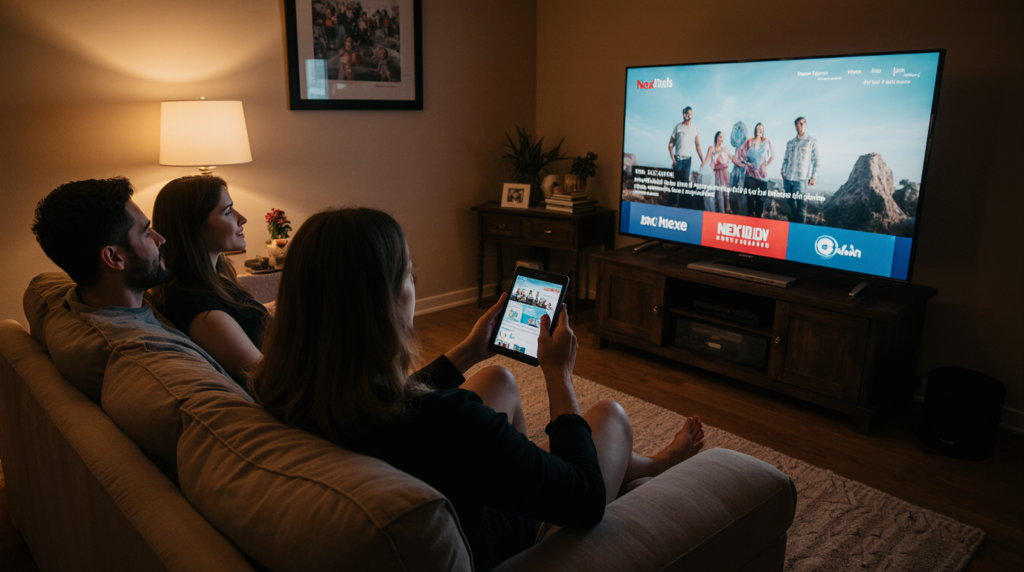
Cut the cord and save money. That is the mantra for millions of households across the United States in 2025. As cable prices skyrocket, streaming solutions like Nexott Live TV are emerging as powerful contenders in the IPTV market.
Whether you are looking for live sports, premium movies, or international news, finding a reliable streaming app is essential. Nexott Live TV promises to deliver high-quality content directly to your favorite devices without the hefty price tag of traditional cable. But is it safe? How do you install it? And is it worth the hype?
This comprehensive guide covers everything you need to know about Nexott Live TV. We will walk you through its key features, discuss important safety warnings, and provide a step-by-step installation guide for Amazon Firestick and Android devices.
What is Nexott Live TV?
Nexott Live TV is a streaming application and service utilizing IPTV (Internet Protocol Television) technology to broadcast content via the internet rather than through satellite or fiber-optic cables.
Unlike traditional streaming platforms like Netflix or Hulu that rely on pre-recorded libraries, Nexott Live TV focuses on delivering live television channels in real-time. It essentially mimics the cable experience but offers it over your Wi-Fi connection, often at a fraction of the cost.
How Nexott Live TV Works
The service works by converting television signals into data packets that are transmitted over the internet. When you select a channel on the Nexott Live TV app, your device requests the specific data stream from the server, which is then decoded and displayed on your screen instantly. This technology allows for a massive reduction in infrastructure costs, savings that are typically passed on to the user.
Supported Devices
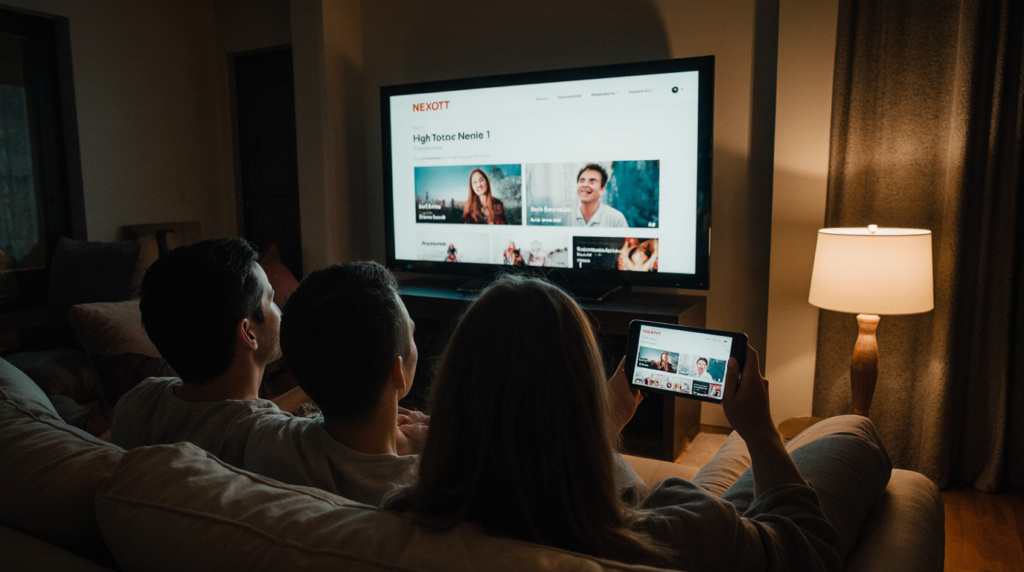
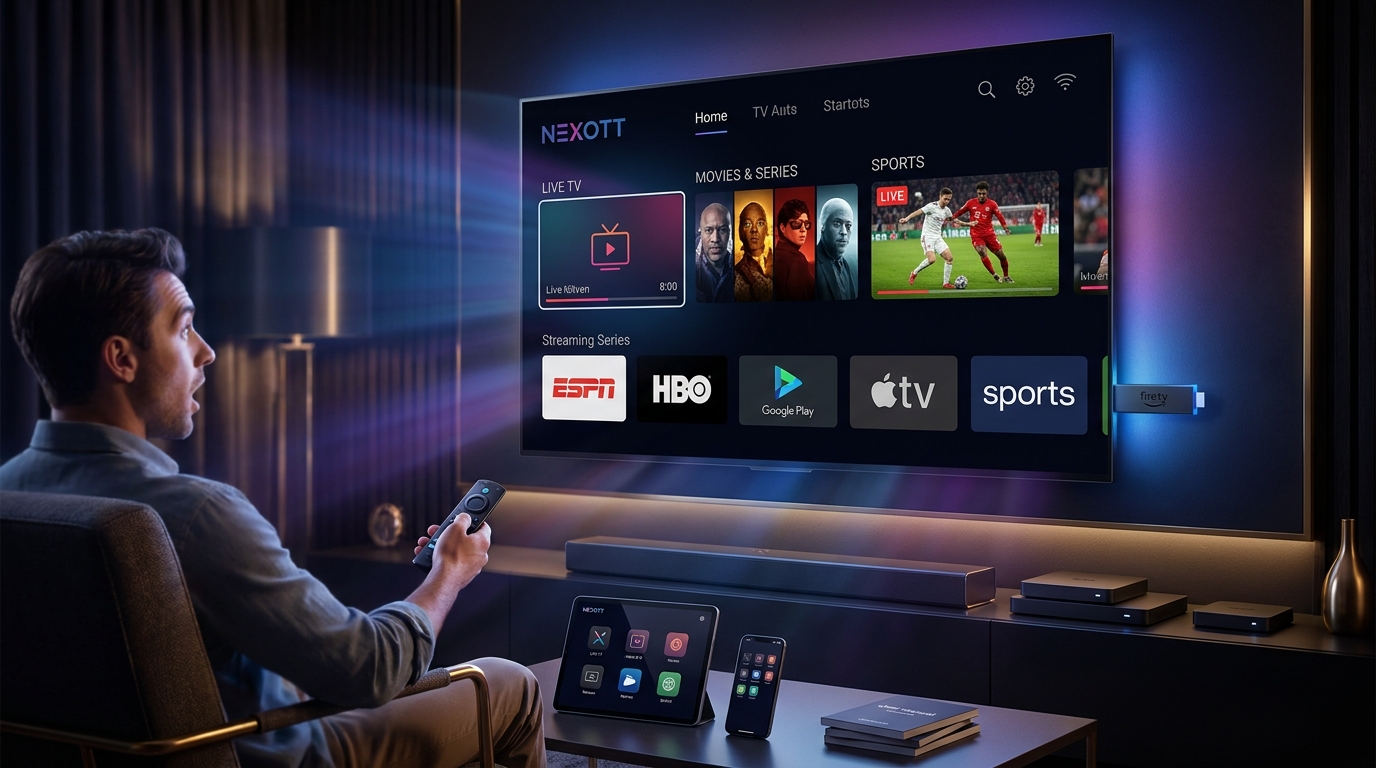
One of the biggest advantages of Nexott Live TV is its versatility. It is designed to work across a wide ecosystem of devices, ensuring you can watch your favorite content anywhere.
Amazon Fire TV Stick: The most popular device for IPTV due to its ease of side-loading apps.
Android TV Boxes: Devices like the Nvidia Shield, Chromecast with Google TV, and generic Android boxes.
Android Smartphones/Tablets: Perfect for viewing on the go.
Smart TVs: Compatible with Android-powered TVs (Sony, Hisense) or via third-party players on Samsung and LG.
PC/Mac: Accessible via Android emulators.
Key Features of Nexott Live TV
When comparing streaming services, features are the deciding factor. Nexott Live TV packs a punch with a suite of tools designed to enhance the viewing experience.
Massive Channel Library
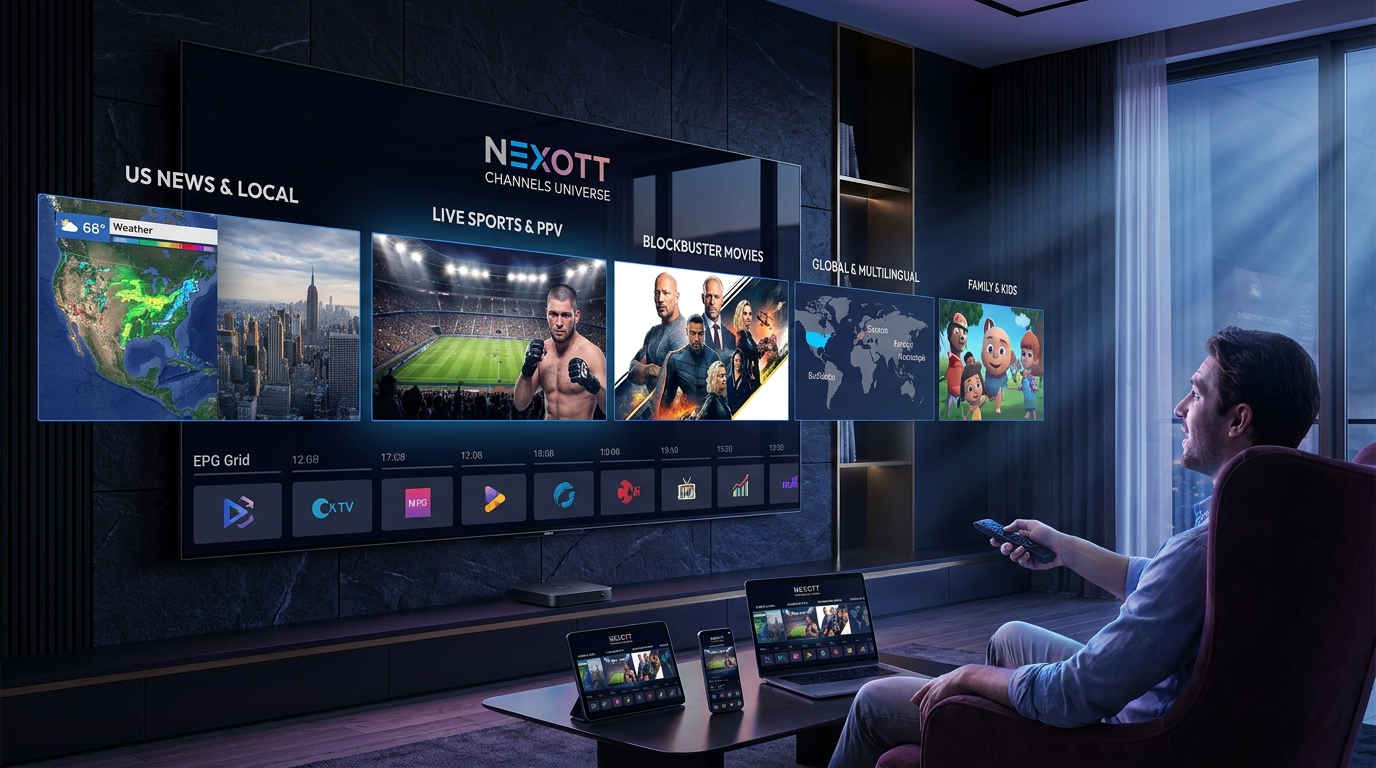
The core appeal of Nexott Live TV is its extensive selection. Users typically gain access to thousands of live channels spanning various categories:
Sports: Live coverage of NFL, NBA, MLB, and international soccer leagues.
Entertainment: Premium movie channels, series, and reality TV.
News: Local and international news networks (CNN, BBC, Fox News).
Kids: Dedicated channels for cartoons and educational programming.
High-Quality Streaming (HD & 4K)
Gone are the days of pixelated IPTV streams. Nexott Live TV supports high-definition (1080p) and even 4K Ultra HD streaming for select channels. To enjoy this quality without interruption, a stable internet connection of at least 25 Mbps is recommended.
Electronic Program Guide (EPG)
A major pain point with cheap streaming apps is the lack of a TV guide. Nexott Live TV includes a fully functional Electronic Program Guide (EPG). This feature lets you see what is playing now, what is coming up next, and browse schedules days in advance, just like a traditional cable box.
Multi-Screen and Catch-Up TV
Modern viewing habits require flexibility.
Multi-Screen: Many plans allow you to watch multiple channels simultaneously or stream on different devices in the same household.
Catch-Up TV: Missed the big game or the latest episode? The “Catch-Up” feature allows you to replay programs aired within the last few days.
User-Friendly Interface
The app interface is designed for simplicity. With categorized folders, a “Favorites” manager, and a search function, navigating through thousands of channels is intuitive even for non-tech-savvy users.
Is Nexott Live TV Legal and Safe?
This is the most critical section for any potential user. Understanding the legal landscape of IPTV is vital before downloading Nexott Live TV.
The Legality of IPTV Services
The legality of IPTV services falls into a spectrum.
Verified Services: Apps available on official stores like Google Play or Amazon App Store (e.g., Sling TV, YouTube TV) are 100% legal. They hold the proper licenses for all content they broadcast.
Unverified Services: Many third-party IPTV apps fall into a legal “grey area.” We cannot verify if Nexott Live TV holds the specific licensing rights for every channel it broadcasts in every region. Streaming copyrighted content without a license can be illegal depending on your country’s laws.
Disclaimer:We do not verify the licensing status of every service. Users are solely responsible for the content they access.
Why You Need a VPN for Nexott Live TV
Regardless of the app’s legality, using a VPN (Virtual Private Network) is highly recommended when using any third-party streaming application.
A VPN protects you in two main ways:
Privacy: It encrypts your internet connection, hiding your activity from your Internet Service Provider (ISP), hackers, and other third parties.
Prevents Throttling: ISPs often slow down (throttle) internet speeds when they detect heavy streaming activity. A VPN hides the type of data you are using, ensuring you get full speed without buffering.
Actionable Tip: Always connect to a reliable VPN like ExpressVPN, NordVPN, or Surfshark before opening Nexott Live TV.
Nexott Live TV Pricing and Subscription Plans
How much does it cost to switch? Nexott Live TV is significantly cheaper than cable, but prices can vary based on the package you choose.
Free vs. Premium Options
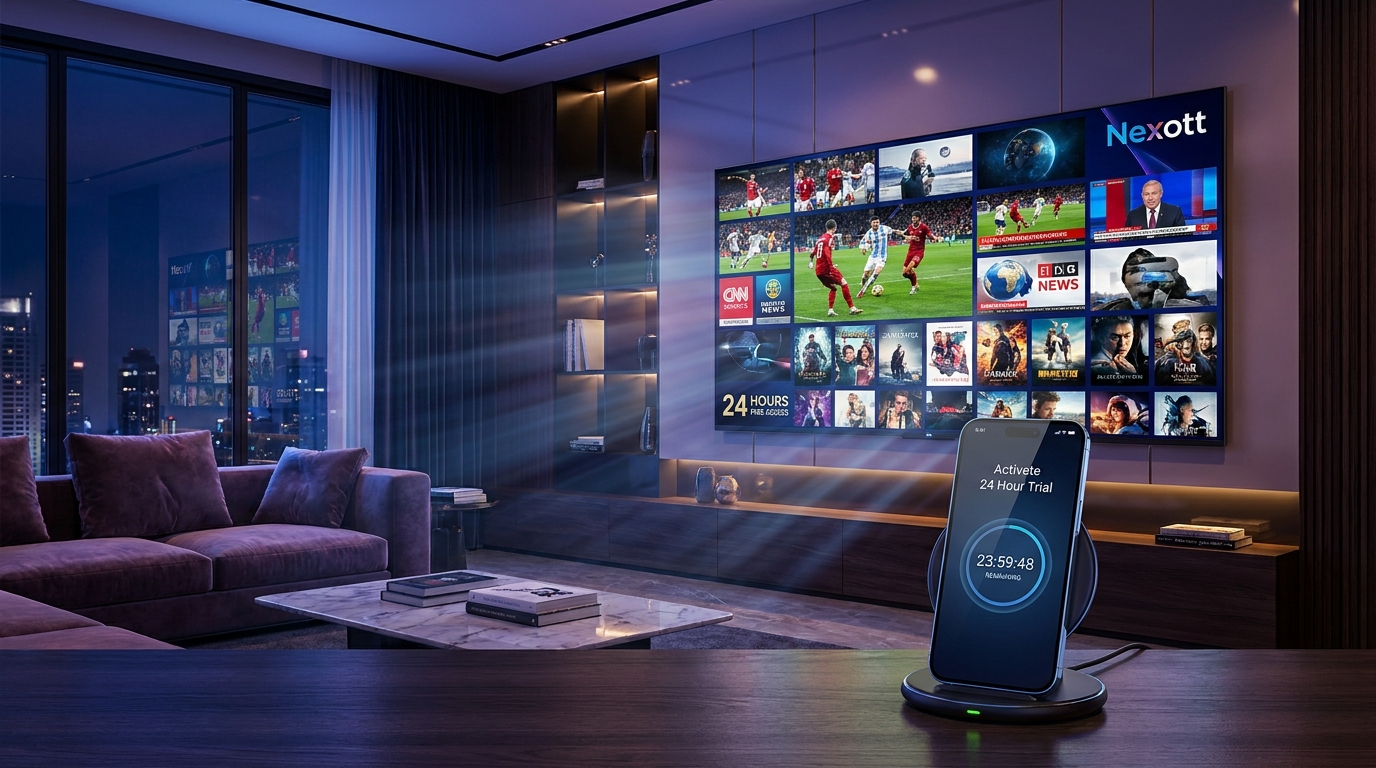
Some versions of the app may offer a limited free tier or a short free trial (usually 24 hours) to test the service. However, for stable, buffer-free streams, a premium subscription is usually required.
Standard Pricing Tiers
While prices are subject to change, typical industry pricing for services like Nexott follows this structure:
Investing in a premium plan is generally worth it for the improved stability alone. Free links often suffer from heavy buffering, broken streams, and standard definition quality. Premium plans unlock the VIP servers, 4K content, and the Catch-Up features.
How to Install Nexott Live TV on Firestick (Step-by-Step)
The Amazon Firestick is the most popular device for Nexott Live TV. Since the app is not found in the official Amazon App Store, you must “sideload” it.
Prerequisites
Before you begin, ensure your Firestick is ready to accept third-party apps.
Go to the Home Screen of your Firestick.
Navigate to Settings (Gear Icon) on the far right.
Select My Fire TV.
Click on Developer Options. (If you don’t see this, click “About” and click your Fire TV Stick’s name 7 times quickly to reveal it).
Turn ON “Apps from Unknown Sources” or “Install Unknown Apps.”
Step 1: Get the Downloader App
The “Downloader” app is the tool we use to pull the installation file from the internet.
Go back to the Home Screen and click Find/Search.
Type in “Downloader”.
Select the orange Downloader icon and click Download/Get.
Step 2: Enter the Nexott Live TV URL
Open the Downloader app.
Click inside the URL box where it says “http://”.
Enter the specific Downloader Code or URL provided by your Nexott Live TV service provider.
Note: If you do not have a specific code, you can often use a generic IPTV player like TiviMate or Smarters Pro and enter your Nexott login credentials there.
Click Go.
Step 3: Install and Login
Wait for the APK file to download.
Once finished, a prompt will appear. Click Install.
After installation is complete, click Done (do not click Open yet).
Click Delete to remove the APK file and save space on your Firestick.
Go to your Apps & Channels, find Nexott Live TV, and launch it.
Enter your Username and Password to start streaming.
How to Install Nexott Live TV on Android and Other Devices
Installing Nexott Live TV on other Android-based devices is just as straightforward.
Installation Guide for Android TV Boxes & Phones
Open the Google Chrome browser on your Android device.
Type in the download URL for the Nexott Live TV APK.
Once downloaded, tap the file to open it.
You may be asked to allow “Installs from Unknown Sources” for Chrome. Enable this in your settings.
Click Install and then Open.
Can You Watch Nexott Live TV on PC?
Yes, but you need an emulator since Nexott is an Android app.
Download an Android emulator like BlueStacks or Nox Player on your Windows or Mac computer.
Download the Nexott Live TV APK file to your computer.
Drag and drop the APK file into the emulator window.
The app will install, and you can control it using your mouse and keyboard.
Setup for Smart TVs (Samsung/LG)
Samsung and LG run proprietary operating systems (Tizen and webOS) that do not support Android APKs directly.
Go to your TV’s app store.
Download a generic player like IPTV Smarters Pro, IBO Player, or Nanomid.
Open the player and input the M3U Playlist URL or Xtream Codes provided by your Nexott Live TV subscription.
Nexott Live TV Review: Pros and Cons
Is Nexott Live TV the right choice for you? Here is a balanced look at the strengths and weaknesses.
Advantages
Cost Savings: Saves hundreds of dollars annually compared to cable.
Portability: Watch your subscription on your phone while traveling.
Variety: Access to international channels that cable providers rarely offer.
No Contracts: Pay month-to-month and cancel whenever you want.
Disadvantages
Internet Dependent: Requires high-speed internet; if your internet goes down, so does your TV.
Setup Curve: Sideloading apps can be intimidating for beginners.
Legality Concerns: Operating in a legal grey area may concern some users.
Support: Customer support is often limited to email or chat, unlike the 24/7 phone support of major telecom companies.
Common Troubleshooting Issues for Nexott Live TV
Even the best apps have hiccups. Here is how to fix the most common problems users encounter with Nexott Live TV.
Nexott Live TV Buffering or Freezing
Buffering is the enemy of streaming.
Solution 1: Restart your router. Unplug it for 30 seconds and plug it back in.
Solution 2: Connect to a VPN to bypass ISP throttling.
Solution 3: Clear the app cache. Go to Settings > Applications > Manage Installed Applications > Nexott Live TV > Clear Cache.
“Login Failed” or “Account Expired” Errors
Check Credentials: Ensure you haven’t made a typo (capitalization matters).
Check Subscription: Your plan may have expired. detailed check your email for renewal reminders.
Server Maintenance: Sometimes the provider is updating servers. Wait 30 minutes and try again.
EPG Not Loading
If your TV guide is empty:
Open the Nexott Live TV app settings.
Look for “EPG” or “Guide.”
Click Refresh EPG or Update Guide.
Wait a few minutes for the data to populate.
Best Alternatives to Nexott Live TV
If Nexott Live TV isn’t working for you, or you want to try something else, there are plenty of options.
Verified Alternatives (Legal)
These are 100% legal, reliable, but more expensive.
YouTube TV: Excellent interface, unlimited DVR, and great sports coverage.
Sling TV: The most budget-friendly legal option.
Hulu + Live TV: Great if you also want the Disney+ and ESPN+ bundle.
FuboTV: The top choice for hardcore sports fans.
Third-Party Alternatives
If you prefer the flexibility of third-party apps:
TiviMate: Widely considered the best IPTV player on the market (requires a playlist).
IPTV Smarters Pro: A solid, free player that works on almost any device.
Live NetTV: A free alternative (ad-supported) for quick streaming without a subscription.
Frequently Asked Questions (FAQs)
Q: Is Nexott Live TV free?
Nexot Live TV typically requires a paid subscription for stable access, though some versions may offer a very limited free trial or free ad-supported channels.
Q: Do I need a VPN for Nexott Live TV?
Yes. Using a VPN is strongly recommended to prevent ISP throttling, secure your personal data, and maintain privacy while streaming on third-party apps.
Q: What channels does Nexot Live TV have?
The service generally includes thousands of channels, including major US networks (ABC, CBS, NBC), sports channels (ESPN, Fox Sports), and international content from the UK, Canada, and more.
Q: Can I install Nexott Live TV on a Roku device?
Roku is a closed system and makes sideloading IPTV apps very difficult. It is recommended to use a Firestick or Android TV box instead of Roku for Nexot Live TV.
Q: How do I update the Nexott Live TV app?
Since it is not in the official store, you must uninstall the old version and download the new APK file using the Downloader app, following the same installation steps.
Conclusion
Nexot Live TV represents a major evolution in the way people access and enjoy media in 2026. As traditional cable television continues to decline, Nexot Live TV emerges as a powerful, flexible, and cost-effective alternative. Its user-friendly platform allows viewers to access a wide variety of content without being tied to expensive cable subscriptions or restrictive contracts.
One of the standout features of Nexot Live TV is its massive channel lineup, which includes everything from live sports and international news to movies, TV shows, and niche programming. For those who crave high-quality visuals, the service supports 4K streaming, ensuring crisp and clear images that rival the best traditional television options. Additionally, Nexot Live TV is fully compatible with popular streaming devices such as Firestick and Android devices, making it easy to watch your favorite content anytime, anywhere. This combination of variety, quality, and convenience has quickly made it a top choice for cord-cutters seeking freedom and flexibility.
While Nexot Live TV offers numerous benefits, user safety and privacy remain crucial. To safeguard personal information and maintain a smooth streaming experience, it is highly recommended to use a reliable VPN. This added layer of protection ensures that your online activity remains private and that you can enjoy uninterrupted access to content.
Whether you are a sports enthusiast, a movie lover, or simply someone who enjoys diverse entertainment options, Nexot Live TV brings the world of media right to your fingertips. By combining affordability, high-quality streaming, and extensive compatibility, it is reshaping the landscape of digital entertainment and offering viewers a modern alternative to conventional television.